AI Categorisation vs Your Own Rules: Where Each Breaks Down
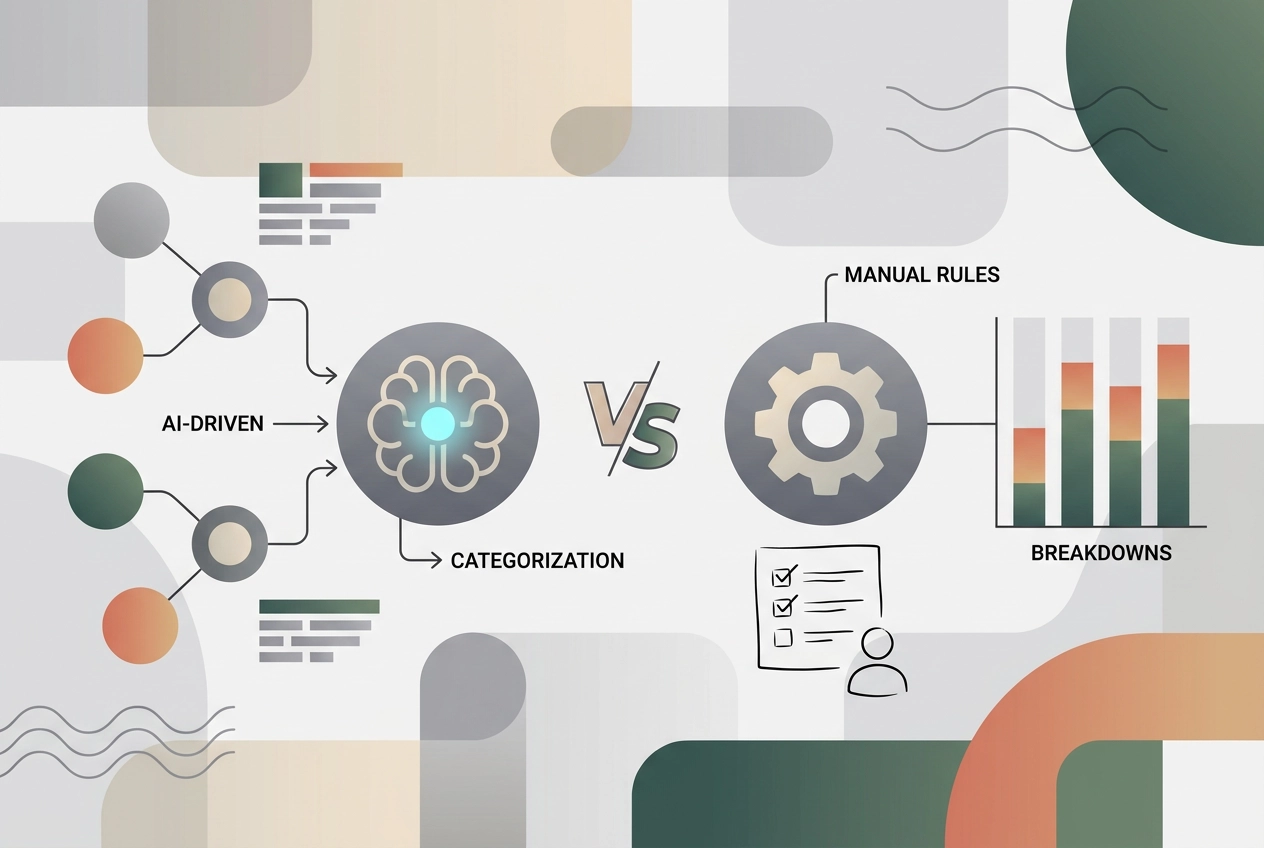
Rules stay accurate until a merchant renames itself. AI copes with new merchants but needs fixing on ambiguous names. Here is where each breaks.
Every budget looks tidy until a transaction refuses to fit. A new merchant appears, a familiar name arrives truncated, or a one-off charge lands with no obvious purpose. That is where categorisation systems stop being convenient and start demanding judgment. If you are setting up expense categories for personal budget, the choice between AI categorisation and hand-written rules matters most at these edges, not in the easy cases.
This comparison examines both approaches honestly. You will see why categorisation falls apart at the edges, how hand-written rules work in practice, and where they can break down when a merchant renames itself. You will also learn how AI categorisation works without hype, where it fails on ambiguous names, and how it handles new merchants. Three difficult transactions get a head-to-head test: rebranded billing names, processor-masked charges, and one-off splits or transfers. Then you will get a practical workflow that holds: AI for the first pass, rules for recurring exceptions, and corrections that feed back into your rules. We also cover privacy, security, and a starting set of expense categories for personal budget. The goal is not to crown a winner. It is to choose the right division of labour.
Why Categorisation Falls Apart at the Edges
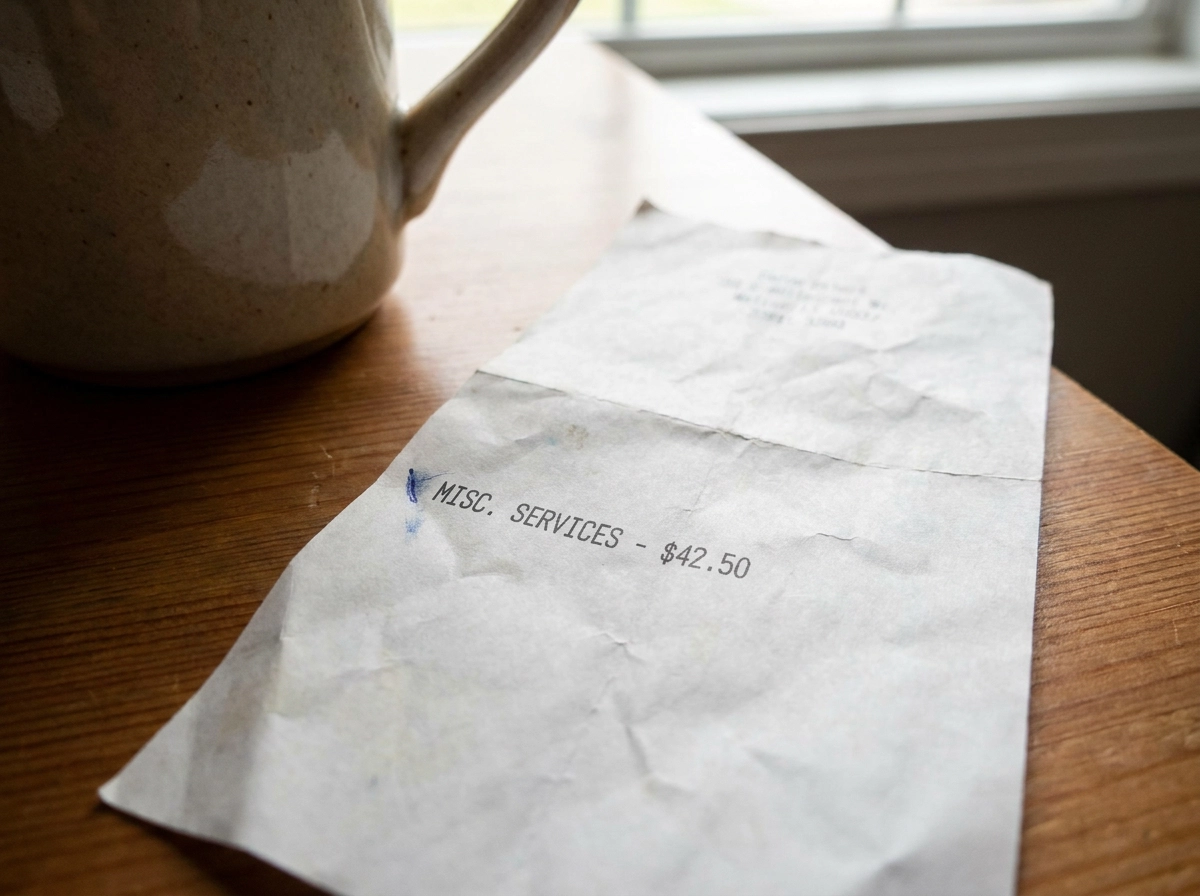
Most transactions are easy. Rent, salary, a weekly supermarket shop land correctly with rules or AI categorization. Disagreement sits in a small slice of edge cases, where budgets go wrong.
Treat this as a hypothesis: rules hold until a merchant changes billing, while AI handles unfamiliar names but needs human review of ambiguity. No independent benchmark on personal-budget rules vs. AI categorization turned up.
Peer-reviewed work exists: a 2022 Journal of Big Data paper on hybrid classification and an MDPI Computers paper on bank statement classification. Error rates do not replace testing your statements.
A rule is an instruction you type, like "if the description contains NETFLIX, put it in Subscriptions." AI categorization infers a category from the merchant string, amount, date, and your history.
A misfiled transaction never looks wrong alone. It distorts a monthly total you later use for decisions about expense categories for a personal budget.
How Hand-Written Rules Work in Practice
A rule is a match condition plus an outcome. It can test the description text, an exact amount, an amount band, the account, or the day of the month.
Three shapes cover most needs: keyword rules ("description contains NETFLIX"), exact merchant rules ("equals SAINSBURYS S/MKTS 1234"), and an amount band tuned to one recurring charge. If a descriptor is unreadable, start with how to decode confusing transaction descriptions.
Rules are transparent and deterministic: read one and you know exactly why a transaction landed in a category, and it behaves the same in January as in July.
They live in spreadsheet formulas and pivot tables, budgeting app rule engines, and bank-side category settings. None require sending a full statement to a third party.
The hidden cost: rules do not scale gracefully. Every new merchant is manual work, and overlapping rules create order-dependent behavior that is hard to debug.
Where Hand-Written Rules Break Down
Rules fail quietly, and the failure modes are predictable.
Merchant rebranding and processor swaps. A cafe billed as "SQ BLUEBIRD COFFEE" can reappear as "TOAST BLUEBIRD" after changing processors. Statement names are a merchant's presentation choice, so they shift without warning and your keyword rule stops matching.
Descriptor noise. Payment processor prefixes and bank feeds that truncate merchant names can hide the real payee.
One-off charges. An annual insurance premium or a boiler repair earns a rule you never reuse.
Broad keywords. "AMAZON" also catches Amazon Web Services; "APPLE" also catches Apple Music.
Transfers and repayments. Moving money between your own accounts, or paying a card, is counted as spending until you add an exclusion. Nothing warns you; totals just drift.
AI categorization takes the opposite approach, and what an AI budget planner actually does with your statement data shows where it wins.
How AI Categorisation Works, Without the Hype
Where rules stay silent, the model reads the raw descriptor, amount, date, account, and patterns from your previous corrections. That mix gives unfamiliar, messy strings a real shot: a merchant you have never used, buried under reference numbers and a processor prefix, can still land roughly right.
Upload a PDF, CSV, XLS, or OFX file and every row gains a tentative label in seconds, removing the blank-page problem that stops people starting. StatementToBudget does this with AI spending analysis, bank statement OCR, and transaction extraction; that describes the tool, not proof it beats rules on accuracy. To see how to read and categorize transactions from your bank statement, start there.
Confidence beats cleverness: pick tools that flag low-confidence rows and let you override a guess before it reaches your budget. AI cannot know your life. A nursery payment could be childcare or a gift.
Where AI Categorisation Breaks Down
AI clears most rows, but stumbles on the ones that matter most.
Ambiguity. A descriptor reading "AMAZON" could be groceries, a birthday gift, or a work purchase. Without your context, the model picks one and moves on.
Splits. One supermarket trip that is mostly groceries plus a household item is one row but two categories. The model assigns a single label.
Transfers. Money moved to savings or to clear a card is a debit, not spending -- the same inflation problem rules face without an exclusion.
Corrections. A fix that stays inside one app and never becomes a reusable rule repeats next month. A budget-first workflow for your converted statement shows where corrections belong.
Model quality. Accuracy varies by model, training data, and your bank's merchant vocabulary, and vendors rarely publish error rates. Only your own statements reveal the truth.
Head-to-Head: Three Transactions That Cause the Most Trouble
What matters is not which method is more accurate across a whole statement. It is which one fails on the handful of rows that decide whether your budget is believable.
Rules break in two ways: a pattern that no longer exists, and a pattern that was never specific enough. AI breaks in two ways: ambiguity only your context can resolve, and corrections that never return as reusable rules. Both get worse when the underlying text is wrong, so how bank statement OCR works is worth understanding before you trust a converted file.
The next three sections cover the cases worth planning for: new and renamed merchants, ambiguous or masked descriptors, and one-off charges, splits and transfers.
New Merchants and Rebranded Billing Names
Rules fail on both counts. A brand-new descriptor matches nothing and sits uncategorized until you intervene. After a rebrand, an existing rule can drop to zero matches with no error at all.
AI reads an unfamiliar string as a merchant anyway: amount, descriptor shape, and your history often place the row close to the right category on the first try.
The judgment call: a merchant you visit once can stay an AI guess. One you visit weekly earns a rule that pays for itself monthly.
Keep a running "needs a rule" note. The second or third time a merchant recurs in one category, promote the guess to a rule, copying the descriptor exactly as your bank sends it. Descriptors vary, so reading your bank statement closely pays off.
Ambiguous, Truncated and Processor-Masked Names
Ambiguity is not one-sided. Truncated or processor-prefixed strings are hard for different reasons; neither method removes the difficulty.
A rule matching on a processor prefix is predictable, though it lumps unrelated payees into one bucket. AI copes better when the merchant is common: a model corrected on a familiar merchant reads a messy descriptor more gracefully than a blind keyword rule.
Neither fixes the underlying data. Your bank's descriptor is the only input either method receives. When the payee is hidden, the fix is a rule matching exactly what the bank sends, plus a display name you set yourself, so next month reads "Netflix" instead of digits. Knowing how to read a bank statement makes the masked ones easier to trace.
One-Off Charges, Splits and Internal Transfers
Masked descriptors are a data problem. The three cases below are structural.
One-off charges. An annual premium or a single home repair appears once. A rule adds upkeep with no repetition, so a roughly right AI guess is usually good enough after one correction.
Splits. As noted above, neither method handles a mixed basket; split manually only when the amounts matter.
Transfers. Exclude them as established above -- every budget tracker needs this step regardless of method.
Large irregular purchases. Tag them rather than categorizing, for example "Home repair 2026", so one big ticket does not distort the monthly average you compare against.
Carry this forward: rules for anything recurring, AI for anything unfamiliar, a correction for anything genuinely ambiguous.
The Workflow That Holds: AI First, Rules for Repeats
That principle becomes a four-step routine.
Step one: let AI label the whole statement. On a monthly export, most rows are obvious; only a small minority need you.
Step two: review only the surprising rows: low-confidence items, outlier amounts, uncategorised entries, and likely transfers.
Step three: write a rule once a merchant recurs, as detailed in the next section.
Step four: keep a short priority list: exact merchant rules first, keyword rules second, broad fallbacks last, so overlaps resolve predictably, not by entry order.
A hypothetical 60-row statement: AI labels 55 correctly. The other five are a new gym, a new streaming service, a supermarket shop with a household item, a transfer from savings, and a refund. Correct the transfer and refund, split the supermarket row, write one rule for the gym. Next month takes minutes, not an evening.
How Your Corrections Feed Back Into Rules
Corrections only compound if they land somewhere permanent. Copy descriptors exactly as your bank wrote them -- as noted earlier, the same merchant can produce different strings. Promote repeats, not singles; one occurrence is noise, while three is a pattern worth automating. Anything recurring deserves a rule before the next statement arrives.
Keep the rulebook where you will reopen it: a spreadsheet column, your app's rule editor, or a notes file of copy-paste-ready match strings. Maintain a short traps list for merchants that always cause trouble: Amazon, Apple, PayPal, supermarket fuel, and bundled card payments hiding several purchases in one amount.
Review quarterly: delete rules unmatched in three months and rules that fired once, then hunt for duplicates and sanity check totals. Groceries, transport, bills, and subscriptions should move explainably. Ten minutes monthly beats one perfect setup.
Expense Categories for a Personal Budget: A Starting Set
Decide the category set before you write any matching rules. Treat this as a starting point, not a standard. Official classification systems such as COICOP are built for national statistics, not personal finance, so any list you use is an adaptable starting point. The right level of detail is a personal choice.
A workable set: housing (rent or mortgage, utilities, home insurance), food (groceries, eating out), transport (fuel, transit, parking, vehicle costs), bills and subscriptions, health, debt payments, savings and investments, plus one discretionary bucket.
Keep them mutually exclusive and few; a small, manageable number is usually enough. Each extra category adds misfiled rows, another rule to maintain and another place totals drift. Merge any category you never act on; buckets exist to answer whether you can save more this month.
Handle one-off costs as a tag, not a bucket. Annual premiums, repairs and large treats then stop distorting your monthly averages. With the list settled, the next question is what you upload.
Privacy and Security Before You Upload a Statement
Before you act on those categories, pause at upload. A bank statement is a full record of your income, spending, account numbers, and often your address, more than any categorization tool needs to sort transactions.
Before uploading, check for:
Encryption in transit.
A clear policy on whether files are stored or deleted after processing.
Whether you can delete your data on request.
Limit exposure: a one-month CSV or OFX export shares far less than a multi-year PDF, and there is no reason to upload statements for accounts you are not analyzing.
The trade-off: local spreadsheet rules keep everything on your machine; AI categorization usually means a third party sees your data. Weigh convenience against that. Store exports in a secured folder, not a downloads folder you never clear.
Conclusion: Choose the Division of Labour, Not a Winner
With your data concerns settled, the decision is not which method wins. Rules fail when a merchant renames itself or a descriptor hides the payee, and they win on recurring charges. AI copes with unfamiliar merchants and a fresh statement, but still needs your judgment on ambiguity, splits and transfers.
The workflow in the previous sections -- AI first, rules for repeats, quarterly review -- is the practical answer.
Recheck flagged rows each month rather than trusting a single score, and treat accuracy claims for either method as unverified until they match your own statements.