Ask Better Questions to Get Spending Answers You Can Act On
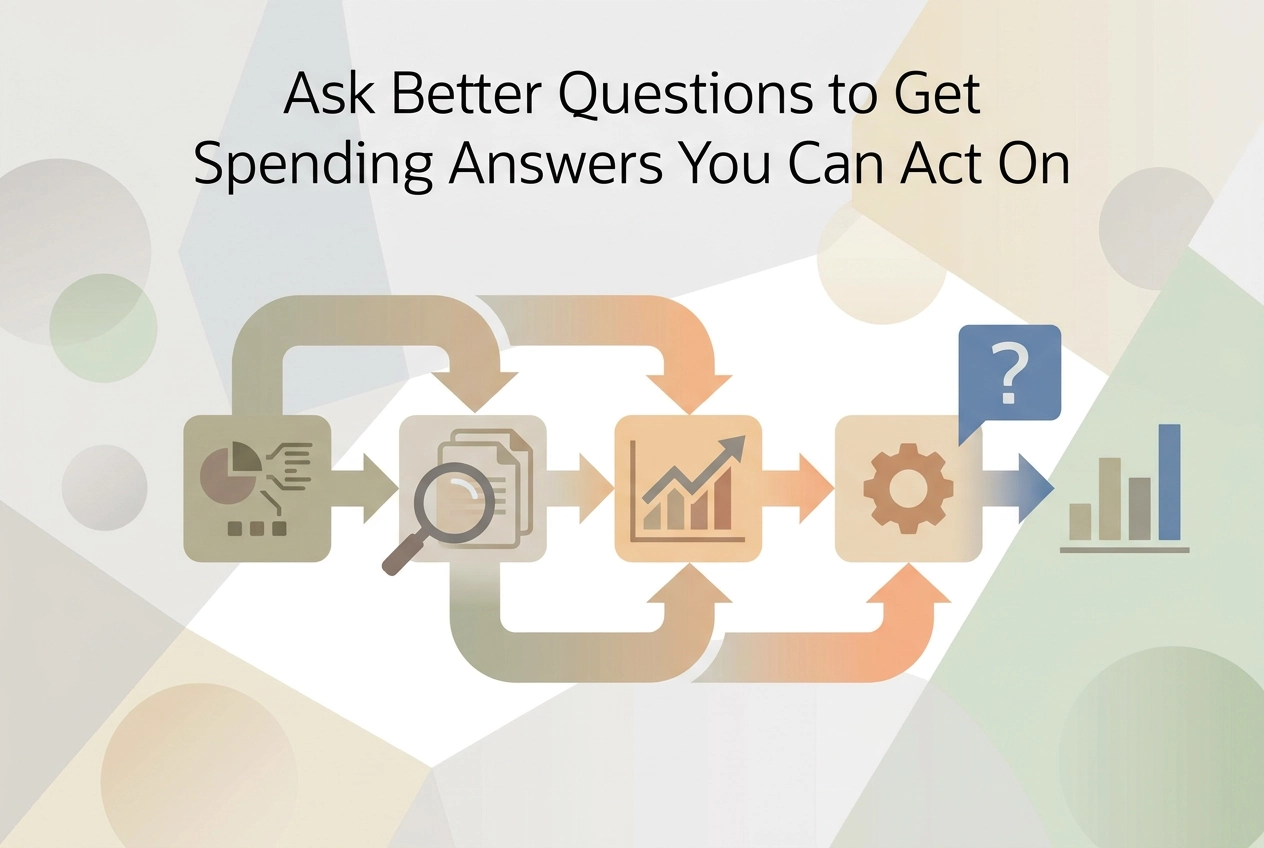
Vague money questions get vague advice. Learn the statement-anchored questions that name merchants, dates and amounts so you can act this week.
If you've ever opened your banking app, looked at the balance, and asked, "How am I doing?" you probably got a shrug. Generic questions get generic advice. This post is about flipping that: with ai bank statement analysis, you can ask questions tied to real lines on your statement instead of vague worries.
We'll start with why "How am I doing?" falls flat and what makes a spending question answerable. Then we'll walk through five beginner-friendly steps: turning your statement into a list you can query, asking which recurring charges grew, seeing what changed since last month, learning what a category costs per weekday, and finding which merchant took the most in one category. You'll also see the gap your statement cannot show, how to turn one answer into one action this week, and which questions to keep asking next month. No finance degree needed. Just a statement and a better question.
Why "How Am I Doing?" Gets You Generic Advice
A recent Diary of Consumer Payment Choice put the average U.S. consumer at 47 payments a month in 2025, about one fewer than 2024. Across a full year, that adds up to a large volume of transactions, and "how am I doing?" asks one sentence to summarize every one.
Broad questions get broad answers: averages and category percentages. Those can be true and still useless for deciding anything this week. Vague questions also get graded on tone, not content. "You're doing fine" and "you could cut back" are equally unhelpful, and neither names the charge to look at.
The thesis here: an answer is only as specific as the question. Specific means a named merchant, a date, and a dollar amount. One honest note: the sources behind this piece measure payment behavior, not statement review, so this is an editorial method for asking, not a study result.
Woven into a monthly habit, like using your bank statement as a feedback loop, it leads somewhere. By the end, you will have one named change to make this week and a date to re-check it.
What Makes a Spending Question Answerable
Those four ingredients, merchant, date range, dollar amount, and a baseline, are what make a question answerable.
Compare them side by side: "How am I doing on subscriptions?" versus "Which subscriptions charged me more this month than three months ago, and by how much?"
That baseline makes the number mean something. The Fed's 2026 Diary of Consumer Payment Choice found only small payment shifts from 2024, so one odd month can look like a trend when it is only noise. Two or three months is the author's recommended baseline, enough to separate noise from a real shift.
When the answer is a dollar figure, the next step is arithmetic, not soul searching. A $9.99 charge that becomes $12.99 is a $3-a-month difference, multiply by twelve and you have the annual cost of doing nothing. These budgeting tips that actually work for beginners start from that same transaction-level view.
Test it first: if you cannot picture a good answer, rewrite the question with a merchant name and a date range.
Skip questions that mash categories together. "Am I spending too much on food and fun?" returns a total you cannot act on.
Step 1: Turn the Statement Into a List You Can Query
Now that you know what an answerable question looks like, put the raw material in one place. Pull two or three consecutive months before asking anything, so every question has a baseline.
Date, merchant description and amount should land in separate columns, whether the file is CSV, XLS, OFX or PDF. Sorting by any one of those fields matters more than the format.
Manual route: paste the transaction table into a spreadsheet and add a category column yourself. Budget a short sitting per statement the first time, the exact time depends on statement length, and less once your categories are set. See how those rows become a plan with how to build a personal budget from scratch.
Tool route: AI bank statement analysis reads raw merchant descriptions the way you would and returns named, dated, categorized rows. StatementToBudget.com accepts PDF, CSV, XLS and OFX uploads and turns them into categorized budget insights at no cost, with AI-driven spending analysis, bank statement OCR and transaction extraction.
Keep the original files; when a charge looks unfamiliar later, the statement settles it. Note the blind spot now: card and bank data misses spending handled later.
Step 2: Ask Which Recurring Charges Grew
Now that your transactions sit in sortable rows, start with a working definition: a recurring charge is the same merchant, a similar day each month, a similar amount, showing up in at least two of your months. Then ask: "Which merchants charged me in each of the last three months, and where did the amount go up?" A streaming or gym subscription quietly bumping its fee is the classic pattern. The increase is the finding, not the subscription itself. Sort by dollars increased, not percentage. An $8 rise on a $20 charge matters more than a 100% jump on $1. Hunt for charges that are new since your last review too, because recurring spending often grows by addition rather than renewal. If a merchant line looks unfamiliar, How to Read a Bank Statement for Budget Insights (Not Just Balance Checks) helps you decode it. Every result becomes one of three moves: cancel it, downgrade it, or accept the new price and write it into next month's plan.
Step 3: Ask What Changed Since Last Month
Now line up two named months, say January and February, and ask what actually moved. Comparing to an ideal budget you never kept only grades you; comparing to a real month gives you a difference you can explain.
Ask for the five largest changes by dollar amount, up or down, with a merchant name on each. If the answer needs more than five rows to make sense, narrow the date range and ask again.
Then sort one-offs from repeats. A car repair or an annual insurance premium will not show up next month, so it should not change next month's number. Only repeating shifts do.
Watch timing distortion too. A deposit landing late in the month, or a bill paid early, can make a change look bigger than it is.
Worked example: "What did I spend on dining this month that I did not spend last month, and at which three merchants?" One page of rows is enough.
Step 4: Ask What a Category Costs Per Weekday
Once the month-to-month comparison settles, shrink the view to a single day.
Here's the math in one sentence: add up a category's total for the month, divide by that month's weekdays, and you have a number you can test tomorrow.
Ask it the way you'd say it out loud: "What does my coffee and lunch habit cost on a workday?" not "How much do I spend on food?"
The daily figure works because you can check it in a week. A whole-category target takes a month to confirm. So run a trial: trade one weekday coffee for a cheaper option and measure the difference almost immediately, which beats a month of vague restraint.
Next month, rebuild the number with the same category and weekday count, so the only thing that changed is your behavior. If you want to see this inside a full month's picture, our guide on how to create a personal budget from your bank statement in under 30 minutes shows where it fits.
Work one category at a time; multi-category averages return you to the vague starting point.
Step 5: Ask Which Merchant Took the Most in One Category
Now that you have that per-weekday number, find out who is taking it. Some categories are really one merchant wearing a category label. "Groceries" often means one store plus a scatter of small runs.
Ask it directly: "In grocery spending last month, which single merchant took the largest share, and which merchant was second?"
If two stores account for most of a category, a change at one of them moves the total more than trimming a dozen small purchases. If two stores split $600 of a $700 grocery month, cutting $50 at one beats chasing twelve $4 buys.
Then follow with a pricing question on the named merchant. The first answer only says where the money went, not whether the price was fair. What did that store's store-brand cost versus the brand you grabbed? Is one planned bulk trip worth it?
Price the switch against the per-weekday figure from Step 4 to confirm it moves the number.
The Gap Your Statement Cannot Show You
That works for card and bank data. Cash never hits the statement.
Per the 2026 Diary of Consumer Payment Choice, consumers averaged about six cash payments a month in 2025, roughly 14% of all payments, and cash payments do not generate a digital transaction record your bank statement can capture. Four in five used cash in the prior 30 days, so it's a real slice of spending for most households, not a rounding error.
Close the gap with a seven-day cash log. For one week, note merchant, date and amount for every cash payment, then add the week's total to the month as one lump category.
Treat that lump as a known blind spot, not a mystery. Keep running your recurring-charge and per-weekday questions on the itemized card and bank side; how to read a bank statement and build a budget from it helps you sort those lines.
Don't log forever. One week shows the size of the slice, which is all the question needs.
Turn the Answer Into One Action This Week
Now that you know the cash gap, use the card and bank rows you can query. Before you look at any number, decide the rule in advance. The answer then makes the decision for you; setting a personal threshold, say, whether a membership fee rose beyond what you consider acceptable, or whether weekday lunch exceeds your target, before you open the statement removes the temptation to negotiate with the number after you see it.
Pick one change, not three. One named change can be tested against next month's statement. Three at once make it impossible to tell what worked.
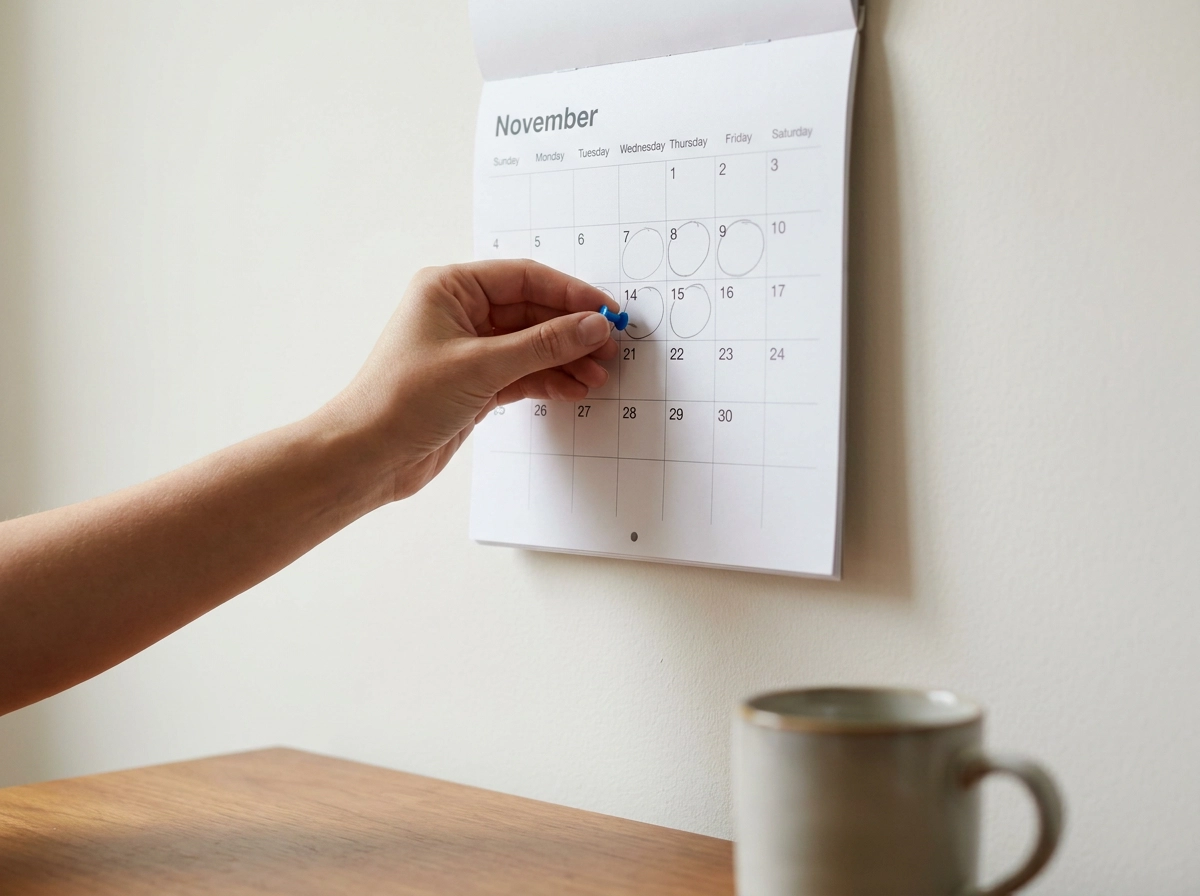
Write the change and its expected monthly dollar effect where you will see it when the next statement arrives. Set the re-check date when you make the change, ideally the day after the next statement period closes. Now verification is scheduled, not hoped for.
If the answer led to no action, the question was still too broad. Rewrite it with a merchant name and a date range. Keep a running note of which questions produced changes. That list is the only reliable measure of whether your questions are getting better.
Keep the Loop Going: Questions for Next Month
You set the re-check date. Now make it a habit instead of a one-time test.
Re-run the recurring-charge question every month, sellers set the billing calendar, not you.
Then add one new question per month instead of growing the list. Next month: which single merchant took the most in your biggest category? The month after: which category grew fastest?
Keep the same categorized structure month to month. Each comparison then starts from a known baseline instead of a fresh pile of receipts.
Expect small differences. Payment behavior shifts gradually, so read direction across two or three months rather than calling one month a verdict.
Each quarter, rotate in a different question from the patterns above. The review stays a short sitting, not a project you avoid.
Finally, retire questions that never once produced a change. Replace them with one that names a merchant, a date and an amount.
Conclusion: Ask Better, Act Sooner
You now have a repeatable loop. The last move is keeping the questions sharper than the budget. Narrow the question before you narrow the budget.
Three questions belong in your monthly routine: which recurring charges grew, what changed since last month, and what one category costs per weekday. Keep the same categorized baseline and add one new question a month instead of rebuilding the whole review.
Set the re-check date when you make the first change.
Log cash for one week to size that blind spot.
Ask better, act sooner. That is the whole method.