Bank Statement Analyzer vs. PDF Converter: Which Do You Actually Need?
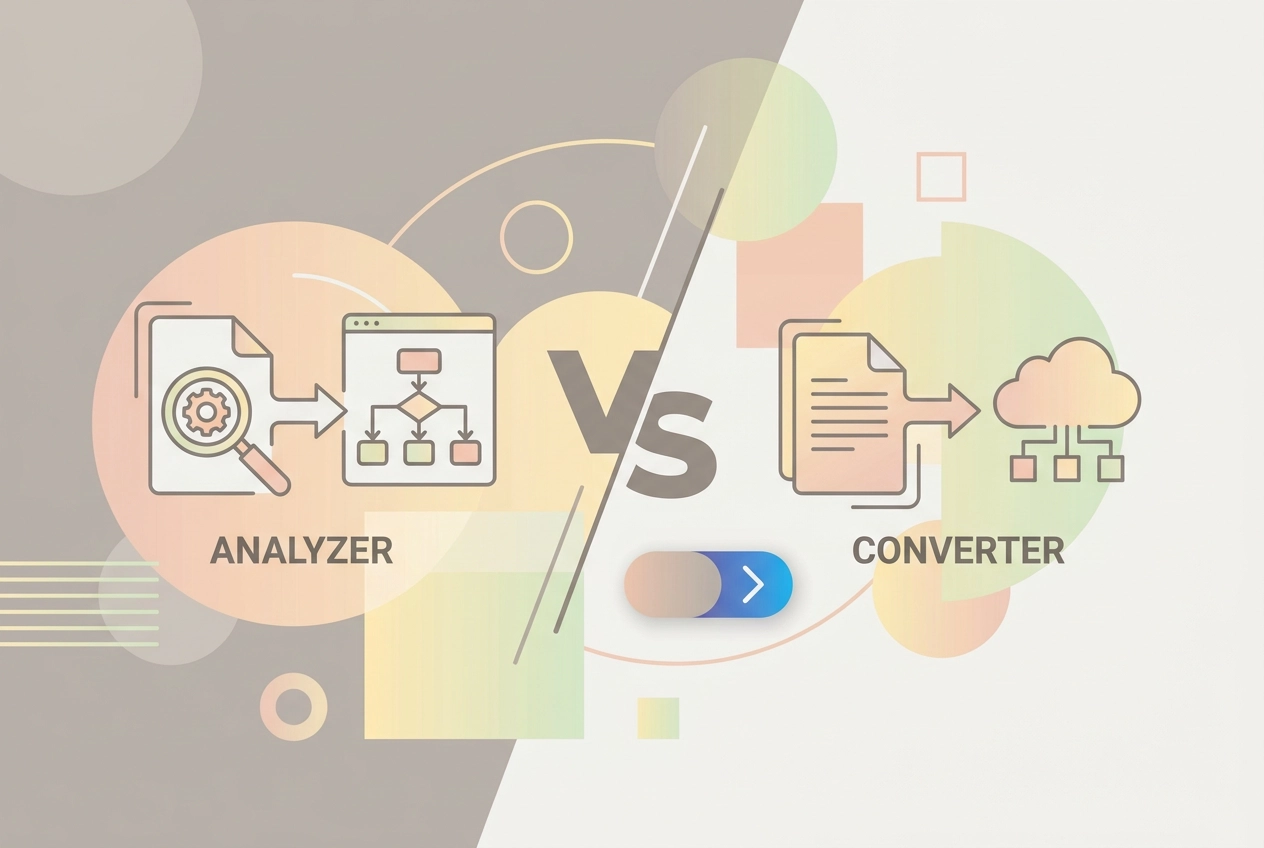
Learn the real difference between a bank statement analyzer and a PDF converter, and find out which tool fits your personal finance goals.
You downloaded your bank statement as a PDF, and now you need to do something with it. Maybe you Googled "bank statement analyzer" and started clicking through tools, only to realize half of them seem to do completely different things. Sound familiar?
Here is the thing: most people use "converter" and "analyzer" interchangeably, but they are actually two very different tools that solve two very different problems. Mixing them up means you could spend money on software that only does half of what you actually need, or worse, none of it.
In this post, we are going to clear up the confusion for good. You will learn exactly what a bank statement PDF converter does, what a bank statement analyzer does, and why that distinction matters more than you might think. We will also walk through a side-by-side comparison, break down when you need one versus the other, and give you a single question that points you straight to the right tool.
No technical background required. By the end, you will know precisely which solution fits your situation, and you will not waste another minute solving the wrong problem.
The Mix-Up That Sends People Down the Wrong Path
If you've ever searched for a way to deal with a bank statement PDF, you've probably noticed that the results all look fairly similar. Converters, analyzers, parsers, exporters. It's easy to assume they're all doing roughly the same job. They're not, and picking the wrong one can mean starting from scratch.
Here's the confusion at the core of it: extraction is not the same as interpretation. Getting your data out of a PDF is step one. Understanding what that data actually means is a completely different step, handled by a completely different type of tool.
The real-world consequence is frustratingly common. Someone downloads a CSV from a converter, opens it in Excel, and stares at hundreds of rows of dates, amounts, and merchant names. The data is there. But the answer to "where is my money actually going?" still isn't. The tool worked perfectly and still left the user no better off.
This piece draws a clear line between the two. What a bank statement converter actually does is quite different from what an analyzer does, and knowing that distinction means you can match the right tool to the right problem.
The short version: converters serve data transfer tasks; analyzers serve financial decision-making. The sections below break down exactly what separates them.
What a Bank Statement PDF Converter Actually Does
So let's look under the bonnet at what a converter actually does.
A bank statement PDF converter has one job: read your PDF and output the raw transaction data in a structured format, typically CSV, XLS, or Excel. That's it. No more, no less.
The technology powering it is OCR (optical character recognition). The tool scans your document, identifies text at the character level, then maps rows and columns into a spreadsheet-ready layout. Modern converters often layer a language model on top to handle tricky formatting, but the underlying task is still extraction, not interpretation.
What lands in your spreadsheet: dates, amounts, and description strings. Essentially the same information that was already sitting in your PDF, just in a different container and easier to manipulate programmatically.
What doesn't come with it: spending categories, patterns, budget implications, or any flag telling you something looks off. The converter has no opinion about your finances. It just moves data from one format to another.
Tools in this category, like DocuClipper, focus on pure extraction. Many of these tools are designed primarily for professional accounting workflows, and the analytical work still falls entirely on you after conversion.
A converter makes sense when data portability is the actual goal: feeding transactions into accounting software you already use, populating a spreadsheet you've already built, or passing clean records to a third party. If a system elsewhere in your workflow will handle the thinking, a converter gives it the raw material to work with.
What a Bank Statement Analyzer Actually Does
So a converter hands you the raw data. An analyzer tells you what to do with it.
Where a converter stops, a bank statement analyzer picks up. It takes those extracted transactions and applies an interpretation layer on top, so instead of staring at hundreds of rows in a spreadsheet, you see actual meaning.
The core capabilities include:
AI-driven spending categorization that sorts transactions into groceries, subscriptions, dining, utilities, and more automatically
Pattern detection across weeks and months, not just a single snapshot
Budget implication summaries that flag where your spending is outpacing your income
These are the questions bank statement analysis can answer that a converter simply cannot: where is money leaking? Which categories are creeping up month by month? Are you consistently spending more than you earn in a particular area? If you have ever opened a negative bank account balance with no idea how it happened, this is exactly the visibility that prevents it.
StatementToBudget.com is built for this. Upload a bank statement PDF, CSV, XLS, or OFX file and you receive categorized budget insights instantly, not just a raw data export.
That distinction matters more than it sounds. Interpreting a spreadsheet full of transaction strings requires financial literacy, time, and patience that most people do not have spare. An analyzer delivers the conclusions directly, making the whole process accessible regardless of your background.
At the professional end, analyzers add anomaly detection, audit trails, and flow of funds analysis. Those features serve accountants and forensic investigators. For personal budgeting, they are overkill; what you need is clear, categorized spending insight you can act on the same day.
Side-by-Side: Converter vs. Analyzer at a Glance
Here is the clearest way to see the gap between these two tool types:
Converter | Analyzer | |
|---|---|---|
Output | Raw transaction rows | Categorized insights, spending summaries, budget guidance |
User effort | You do the sorting, cleaning, and interpreting | Conclusions delivered, ready to act on |
Best for | Data migration, accounting imports, record-keeping | Personal budgeting, spending awareness, financial habit-building |
Technical demand | High: manual clean-up required after export | Low: interpretation is built in |
Time cost | Significant manual effort at scale | Minutes |
Privacy focus | Often built for enterprise or professional workflows | Consumer-focused tools like StatementToBudget.com are designed around individual users' security |
The technical complexity column matters more than it might seem. Manual data handling carries error rates of 1% to 4% according to the Journal of Accountancy. Across hundreds of transactions, that compounds quickly into a picture of your finances that simply is not accurate.
What actually happens after the CSV lands in your downloads folder is where the manual work begins, and for most people, that gap between raw data and real understanding is exactly what an analyzer closes.
When a Simple PDF Converter Is the Right Call
That side-by-side comparison makes clear that converters hand you raw material, not answers. So when is raw material exactly what you need?
A converter is genuinely the right choice in these situations:
You already have an analysis system in place. If you use accounting software, a custom spreadsheet, or a bookkeeping workflow, you may only need clean data piped into it. The intelligence layer already exists; you just need the raw material delivered in the right format.
Your goal is data transfer, not insight. Sending transaction records to an accountant, migrating history into new software, or fulfilling a right to data portability request are all data-movement tasks. No interpretation needed.
You are comfortable doing your own analysis. If you are confident in Excel or Google Sheets and enjoy building your own formulas and pivot tables, a bank statement to Excel export gives you the raw rows to work with on your own terms.
You need bulk processing for professional purposes. Reconciliations, legal documentation, or lender-ready records are format and completeness problems, not insight problems. For guidance on matching the right tool to tasks like these, see Choosing the Right Bank Statement Converter for Your Workflow.
The common thread: a converter fits when the thinking happens elsewhere. If your workflow already has an analytical brain, a converter just feeds it.

When You Need a Bank Statement Analyzer Instead
If none of those scenarios sound like you, the picture probably looks quite different.
The clearest sign you need an analyzer is simple: your question is "where does my money actually go?" not "how do I export this file?" You want understanding, not portability.
That distinction matters most when you have no existing system to feed data into. A converter hands you a spreadsheet and walks away. An analyzer does the categorization, pattern-spotting, and budget summarizing work for you, so you are not starting from a blank spreadsheet and a vague sense of dread.
This is especially true if you are building or resetting a budget. Setting realistic spending limits is difficult without first understanding your actual habits. Bank statement analysis gives you that baseline picture before you make a single decision about where to cut back.
And if you have ever opened a bank statement PDF, felt immediately overwhelmed by rows of transactions, and quietly closed it again, that is the most honest signal of all. An analyzer translates those raw numbers into plain-language categories -- groceries, subscriptions, dining out, utilities -- with no financial expertise required.
StatementToBudget.com is built for exactly this situation, returning categorized spending breakdowns and actionable budgeting guidance as soon as you upload your statement.
The deeper point is this: consumer-level bank statement analysis is about changing behavior, not just organizing data. A tool that only gives you structure leaves the hardest work to you. The right analyzer delivers insight you can actually act on.
How the Tool Market Actually Breaks Down
Knowing which tool fits your situation is easier once you see how the market actually divides up.
The 2026 market is dominated by B2B and enterprise use cases -- document workflow automation, lending decisioning, compliance, and forensic investigation -- with consumer-focused personal finance analysis occupying only a small corner of the landscape.
That pattern holds across almost every professional tool in this space: the target user is an accountant, a lender, an investigator, or a developer. Forensic capabilities such as audit trails and flow-of-funds mapping exist to support court cases and compliance reviews, not to tell you whether your grocery spend crept up in October.
That gap is precisely what StatementToBudget.com is built to fill.
Most tools sit firmly in B2B territory. If your actual goal is understanding your grocery trend or spotting a forgotten subscription, enterprise reconciliation features add cost and complexity without adding value. Match the tool to the problem, not to the most impressive feature list.
The One Question That Points You to the Right Tool
Once you know where your tool sits in the market, one question cuts through all the remaining noise.
Do you need your data moved, or do you need your data explained?
If the answer is moved, a converter is the right call -- the job is mechanical, and a converter handles it cleanly, usually at lower cost. If the answer is explained, you need a bank statement analyzer, because a converter hands you rows of data and steps aside without telling you what any of it means.
There is a third scenario worth naming: you need both. Some people extract data with a converter and then feed it into a separate analysis tool. That works, but it adds steps, file-handling, and room for error. StatementToBudget.com handles both in a single upload, so the extraction and the insight arrive together without chaining two tools.
The goal of bank statement analysis is not a tidier spreadsheet. It is a clearer picture of your financial habits. Match the tool to that goal. If you pick based on file format alone, you will solve the wrong problem and still not know where your money is going.
Conclusion: Stop Solving the Wrong Problem
So here's the bottom line: a converter and an analyzer are built for completely different jobs. One lifts data off a page; the other tells you what that data actually means for your finances.
If you've uploaded a bank statement PDF to a converter and still felt lost, that's not a failure on your part. The tool did exactly what it was designed to do. It just wasn't designed to answer the question you were actually asking.
For most people managing personal finances, an analyzer is the right starting point. Upload your statement, let the tool handle the categorization and pattern-spotting, and use those insights to build a budget grounded in your real spending habits rather than rough guesses.
That's precisely what StatementToBudget.com is built for.
The distinction between these two tool types might seem like a technical detail, but understanding it is genuinely useful. Reach for the right tool from the start and you will skip the frustration of solving the wrong problem entirely.