Budget Categories Every American Spends In (But Only Half Actually Track)
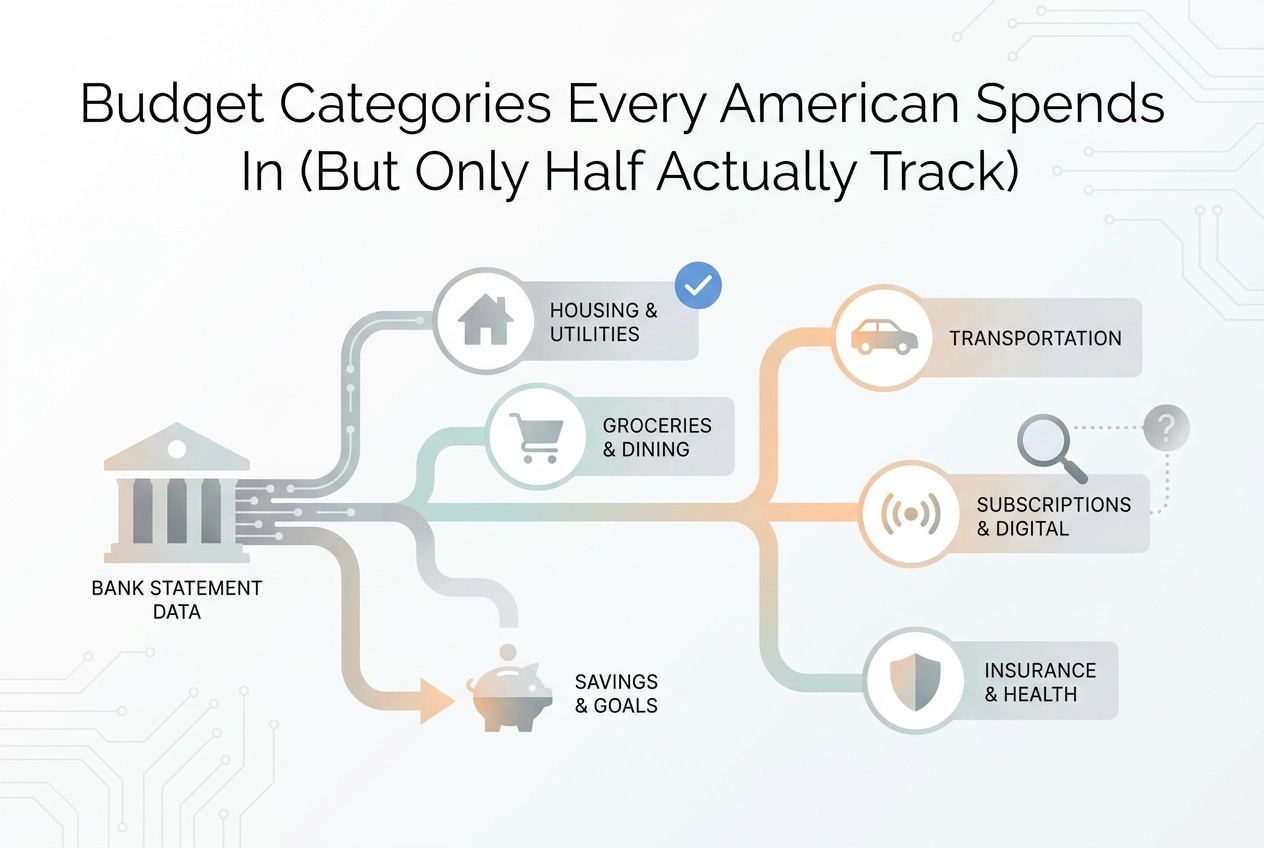
Discover the 12 real budget categories on every American's bank statement in 2026 — including the modern ones most budget templates completely miss.
Most budget templates look like they were designed when people were still renting VHS tapes. You've got your housing, your groceries, your utilities, and then a mysterious "miscellaneous" category that ends up swallowing half your paycheck. Sound familiar?
Here's the problem: your spending has changed dramatically, but the average budget planner hasn't kept up. You're splitting dinner costs through an app, paying for four streaming services, using buy-now-pay-later at checkout, and ordering DoorDash more often than you'd like to admit. None of that fits neatly into the old-school categories.
This post maps out the 12 budget categories that actually show up in real American bank statements right now, in 2026. These aren't categories pulled from a finance textbook. They're built from how people genuinely spend money today, including the modern habits that traditional templates completely ignore.
By the end, you'll know exactly how to set up a budget that reflects your real life, not some idealized version of it. Let's start by looking at why the gap between your template and your statement exists in the first place.
Your Budget Template Is From 1985. Your Statement Is From 2026.
Most personal budget templates were built around rent, utilities, and groceries, fixed, predictable categories that made sense before streaming subscriptions, food delivery apps, and buy-now-pay-later (BNPL) installments became everyday spending.
The templates never caught up.
According to McKinsey ConsumerWise, 53% of US consumers cited rising prices and inflation as their greatest financial concern in Q3 2026, yet millions track that stress against categories that predate the apps quietly pulling money from their accounts each month.
The Bureau of Labor Statistics Consumer Expenditure Survey is the government's primary tool for tracking household spending, yet its legacy category structure predates the apps that now drive everyday transactions.
Money leaves your account in ways your monthly budget planner was never designed to capture, making it nearly impossible to pinpoint where things went sideways. (What Student Spending Actually Looks Like in 2026 shows the same pattern starting even earlier.)
Below are the 12 categories that appear most consistently on real American bank statements, including the modern ones most templates still lack a line for.
1. Housing and Rent
Housing is the category most budgeters get partially right. Rent, mortgage payments, HOA fees, and renter's insurance show up as clean recurring line items that are hard to miss.
The problem is everything attached beyond those core charges. Storage unit rentals, monthly parking fees, and home maintenance bookings through services like TaskRabbit or Thumbtack often post under vague merchant names, quietly inflating your true housing cost without landing in your Housing category.
Budgeting tip: Build a single Housing parent category with two sub-lines: fixed (rent or mortgage) and variable (repairs, maintenance, storage). When a spike appears, you will know whether it is a one-time repair or a structural cost shift.
BLS data shows housing and transportation together accounted for 50% of all household spending in 2024, making housing the single biggest lever in your budget. Getting it fully captured, not just partially, is where accurate budgeting starts.
2. Groceries and Household Supplies
Groceries feel straightforward until you look at your actual statement.
McKinsey's Q3 2026 data shows fresh produce carried a net spending intent of +13%, confirming Americans are protecting grocery budgets even under inflation pressure. But tracking that spend accurately is harder than it looks.
The biggest culprit: warehouse clubs. A single $180 Costco or Sam's Club charge likely includes paper towels, a jacket, and a rotisserie chicken, yet your bank statement shows one line. Categorizing the whole thing as "groceries" quietly inflates that budget.
Online orders add another wrinkle. Instacart, Walmart Grocery, and Amazon Fresh often appear under their platform names in statement exports, making them easy to miscategorize.
Household supplies compound the problem. Cleaning products, paper goods, and personal care items deserve their own budget line; mixing them into groceries distorts both categories.
The fix is to check the actual merchant name on every transaction. Learning how to read and categorize transactions from your bank statement makes this much faster, especially when an AI tool can split mixed-retailer charges automatically.
3. Food Delivery and Takeout (Not the Same as Groceries)
Splitting food delivery into its own category is worth doing even if you only change one habit after reading this.
DoorDash, Uber Eats, and Grubhub occupy a different behavioral space than groceries or a sit-down dinner. You order them at 7pm on a Tuesday when nobody wants to cook. A $14 delivery fee plus tip on a $22 meal adds up fast across a month.
No single order feels significant, which is exactly why this category gets undercounted. The problem compounds on your statement: charges appear as DOORDASH*ORDER or UBEREATS*TRIP, not the restaurant name. Without intentional tracking, those lines blur into background noise.
Budgeting tip: Pull three months of statements, search every delivery platform name, and sum the charges before setting a target. Your estimate will almost certainly be lower than the real number. If you're newer to tracking spending, this guide to student bank accounts covers how account features can support better visibility from the start.
4. Streaming Services and Digital Subscriptions
Food delivery surprises people with its monthly total. Subscriptions do something sneakier: they hide in plain sight, one small charge at a time.
The average household carries Netflix, Hulu, Disney+, Max, Peacock, Spotify, and YouTube Premium simultaneously, plus Microsoft 365, Adobe, and cloud storage. Deloitte's 2026 research found U.S. households spend $69/month on video streaming alone, before music, software, or fitness apps are added.
Each charge runs $8-18 and auto-renews on a different billing date, scattering across your statement instead of clustering visibly. Absorbed into "entertainment" or "miscellaneous," they mask the real total.
The category runs deeper than entertainment. News subscriptions, Peloton, Nike Training Club, meditation apps, and password managers all generate small recurring charges across multiple statement pages.
Budgeting tip: Run a subscription audit using your last 90 days of statements. List every recurring charge under $25 and add them up. To do this effectively, learn how to read your bank statement and use it to build a real budget. Most people find a total they could not have named from memory, video streaming alone averages $69/month per Deloitte's 2026 data, before any music, software, or fitness apps.
5. Transportation, Gas, and Rideshare
Subscriptions are sneaky. Transportation is volatile.
McKinsey's Q3 2026 data ranked gasoline the highest net spending intent of any tracked category at +25%, yet gas was also the steepest quarter-over-quarter decliner, as Brent crude swung from $118 to $80 a barrel amid Middle East tensions. That kind of swing blows a flat monthly estimate instantly.
Most templates make this worse: one "transportation" bucket covers your car payment, insurance, gas, and maintenance. That breaks the moment you add rideshare. Uber and Lyft charges spike around airport trips, late nights, or bad weather, then disappear. Lumping them with a fixed car payment makes both invisible.
Parking apps like SpotHero and EZPass auto-replenishments add another layer. Small charges, high frequency, easy to miss, but they accumulate in ways most people never see coming.
Split transportation into three lines:
Fixed: car payment, insurance
Variable recurring: gas
On-demand: rideshare, parking, tolls
6. Utilities and Home Services
Most people already track electricity, gas, water, and trash without much thought. What's changed is that internet access, cell phone plans, and home security monitoring now function as utilities in every practical sense. They belong here, not scattered across "miscellaneous."
Home service apps like Handy, TaskRabbit, and Amazon Home Services add a complication. A cleaning visit is arguably essential maintenance; a same-day furniture assembly is closer to discretionary. Your statement won't make that call for you, so your budget needs a consistent rule.
Seasonal swings are the category's biggest trap. Per the EIA, residential electricity demand can peak at up to 67 billion kWh in a single season. Yet most budget planners apply one flat utility estimate year-round, producing a "shortfall" every July and January that was entirely predictable.
Telecom bundles add another layer. A single provider charge often combines internet, phone, and TV with streaming add-ons attached. Splitting that accurately takes a deliberate choice, not a guess.
Budgeting tip: Pull last year's utility statements and calculate a true monthly average. That number smooths seasonal spikes into your personal budget without requiring a manual adjustment every time the temperature changes.
7. Health, Insurance, and Wellness
Health costs swing wider than almost any other category. Your premium is fixed, but copays, lab work, and urgent care visits can arrive as sudden spikes that shatter a fixed monthly allocation, a single uncovered lab bill or urgent care visit can exceed an entire month's planned health budget.
Most personal budget templates give health a single line, which fails the moment you need a filling replaced or a lab bill arrives partially uncovered. Insurance premiums, prescription copays, dental, vision, therapy, and telehealth all behave differently. Mental health apps like Calm or BetterHelp, fitness subscriptions, and vitamin delivery add more separate statement entries a single line can't capture.
FSA and HSA debit card transactions appear alongside regular charges, so deliberate tagging in your personal budget planner is the only way to separate pre-tax from post-tax spending.
Budgeting tip: split this into three sub-lines: insurance premiums (fixed), out-of-pocket care (variable), and wellness subscriptions (recurring but optional). Together, those three numbers tell you what health actually costs each month.
8. Buy-Now-Pay-Later and Debt Payments
Debt payments are where budgets quietly fall apart, and BNPL makes it worse.
A BNPL installment on your statement represents a purchase already categorized elsewhere (clothing, electronics). Log it under debt payments, not the original category, or you count that spend twice. Services like Klarna, Afterpay, Affirm, and Zip are now mainstream, yet most budget templates have no line for them.
According to CFPB data, 63% of BNPL borrowers carry multiple simultaneous loans, often across different providers. Each runs on a biweekly schedule that a calendar-month budget doesn't map to, creating cash flow gaps mid-month.
Group all of the following into one debt service line: BNPL installments, credit card payments, student loan auto-debits, and personal loan charges. Without it, your net cash flow number is fiction.
Before building this line, review what your statement actually shows before you start budgeting so nothing slips through.
9. Childcare, Education, and Family Expenses
Debt payments follow a predictable schedule. Family expenses do not.
Daycare, after-school programs, and babysitting services through apps like Care.com rank among the largest fixed costs for households with children, yet most generic budget templates skip this category, defaulting to adult-only spending structures.
McKinsey's Q3 2026 data backs this up: baby supplies carried a net spending intent of +13%, placing family essentials in the non-negotiable column despite inflation. Toys came in at -14%, the lowest of any tracked category. Families are protecting necessities while cutting discretionary child spending, but that distinction only becomes visible when sub-categories are tracked separately.
Education spending has also fragmented: school supplies, tutoring platforms like Khan Academy Plus, extracurricular fees, and lunch accounts all appear as distinct statement lines.
No kids? Redirect this category to pet care. Vet visits, pet insurance, and Chewy auto-ship subscriptions appear on statements constantly but almost never in budget templates. See what you'll get when your categories actually match your statement.
10. Dining Out and Social Spending
Social spending hits differently than food delivery. The behavioral trigger is connection, not convenience, and that distinction matters when you're building a budget that actually works.
Most templates lump restaurant meals, bar tabs, coffee runs, and concert tickets under "entertainment" or "fun money." That label hides serious overspending. These charges feel small in the moment but routinely add up to a figure that surprises most budgeters when they total it honestly for the first time.
Dining out deserves its own line, separate from delivery. The situations, costs, and fixes are different.
Social spending also includes Ticketmaster, Eventbrite, Groupon, and outgoing Venmo or Zelle transfers where you're splitting a dinner check or covering a friend's ticket. Those peer-to-peer transfers are real spending, and they vanish from most budgets entirely.
Budgeting tip: Don't set a cap yet. Spend one month pulling every restaurant, bar, coffee shop, and social transfer from your statement and totaling them honestly. The number will likely surprise you, and starting from reality prevents the guilt cycle that kills most budgeting attempts.
11. Shopping, Clothing, and Personal Care
Dining out is easy to feel. This category is easier to miss.
Clothing, shoes, skincare, haircare, and cosmetics are purchases nearly every American makes, yet they routinely disappear into a single "Amazon" line or get filed under miscellaneous and forgotten.
The multi-category transaction problem makes this worse. One Target or Walmart order can contain a pantry staple, shampoo, a t-shirt, and cleaning supplies on a single charge, with no clean way to split it without intentional review.
Personal care services add another layer. Your barbershop, nail salon, or waxing appointment shows up under a business name with no obvious category label.
Social commerce scatters this further. Purchases through TikTok Shop or Instagram checkout appear with no consistent merchant naming pattern across a statement.
Budgeting tip: One combined "Shopping and Personal Care" line outperforms separate clothing and grooming lines. The goal is to see your total discretionary product spending as a single number, not to sort sub-categories that share the same behavioral trigger.
12. Savings, Investments, and Financial Goals
Spending money is easy to track. Building wealth is where most beginner budgets quietly fail.
Savings transfers, Roth IRA contributions, and brokerage auto-investments are outflows that appear on your bank statement but are not expenses. They are the most important line in your budget and deserve to be treated that way.
The most common beginner mistake: treating savings as whatever is left after everything else gets paid. That perpetuates financial stress because "whatever is left" is usually very little. Savings needs its own protected line, alongside rent and utilities, not assigned to the scraps.
Small recurring transfers from round-up apps are also real progress. Tracked intentionally, they belong in this category too.
With 1 in 4 Americans reporting economic pessimism in Q3 2026, an explicit emergency fund line, even $50 a month, creates measurable forward motion against that anxiety.
Budgeting tip: Schedule your savings transfer on payday, categorize it like a bill, and track it monthly. The habit matters as much as the amount.

How to Build Your Budget Categories From Your Actual Statement
Now that you have all 12 categories mapped, here is how to turn them into an actual budget.
Start from your statements, not a template. Pull three months of real transactions and let your spending reveal the categories rather than forcing it into a pre-built framework. The fastest way to do this is to let the tool do the sorting for you.
Step 1: Export or upload your bank statement (PDF, CSV, or OFX) and group every transaction by merchant type. This surfaces categories that genuinely exist in your financial life, including modern ones no template would anticipate.
Step 2: Check which of the 12 categories in this piece appear in your spending, then add anything unique to your life: pet care, freelance software, home renovation. Your list should reflect your reality, not a generic one.
Step 3: Set a monthly target for each category based on what you actually spent, not what feels responsible. That produces a personal budget planner grounded in real data from day one.
StatementToBudget.com automates all three steps: upload your statement and the AI categorizes every transaction, surfaces patterns you may have missed, and builds a starting budget framework from your actual data.
The goal is categories that match your statement closely enough to measure what actually changed month to month.
Start With Your Statement, Not a Template
A budget missing food delivery, streaming, BNPL installments, and rideshare isn't just incomplete; it's inaccurate. Every month the numbers won't reconcile, and that friction is what makes people quit budgeting entirely.
What you find will surprise you, and those surprises are exactly what your monthly budget planner needs to reflect.
Once your categories match your actual spending, personal budgeting gets straightforward. You're measuring something real instead of defending a number that was never grounded in your own data.
Conclusion
Most Americans spend across all 12 of these categories every month. Very few track all of them. That gap is where budgets fail quietly, not dramatically.
The key takeaways: outdated templates miss modern spending entirely, small subscriptions and BNPL payments add up faster than you expect, and food delivery is its own category worth watching separately. Most importantly, your actual statement is more honest than any template you could download.
Map your spending to these 12 categories using your last three months of statements and let the real numbers set your targets. StatementToBudget.com makes that process faster, upload your statement, and the AI handles the sorting.
Stop budgeting against a template. Start budgeting against your own data, and watch it actually work.