Free vs. Paid AI Budget Tools: What the Price Difference Actually Buys You
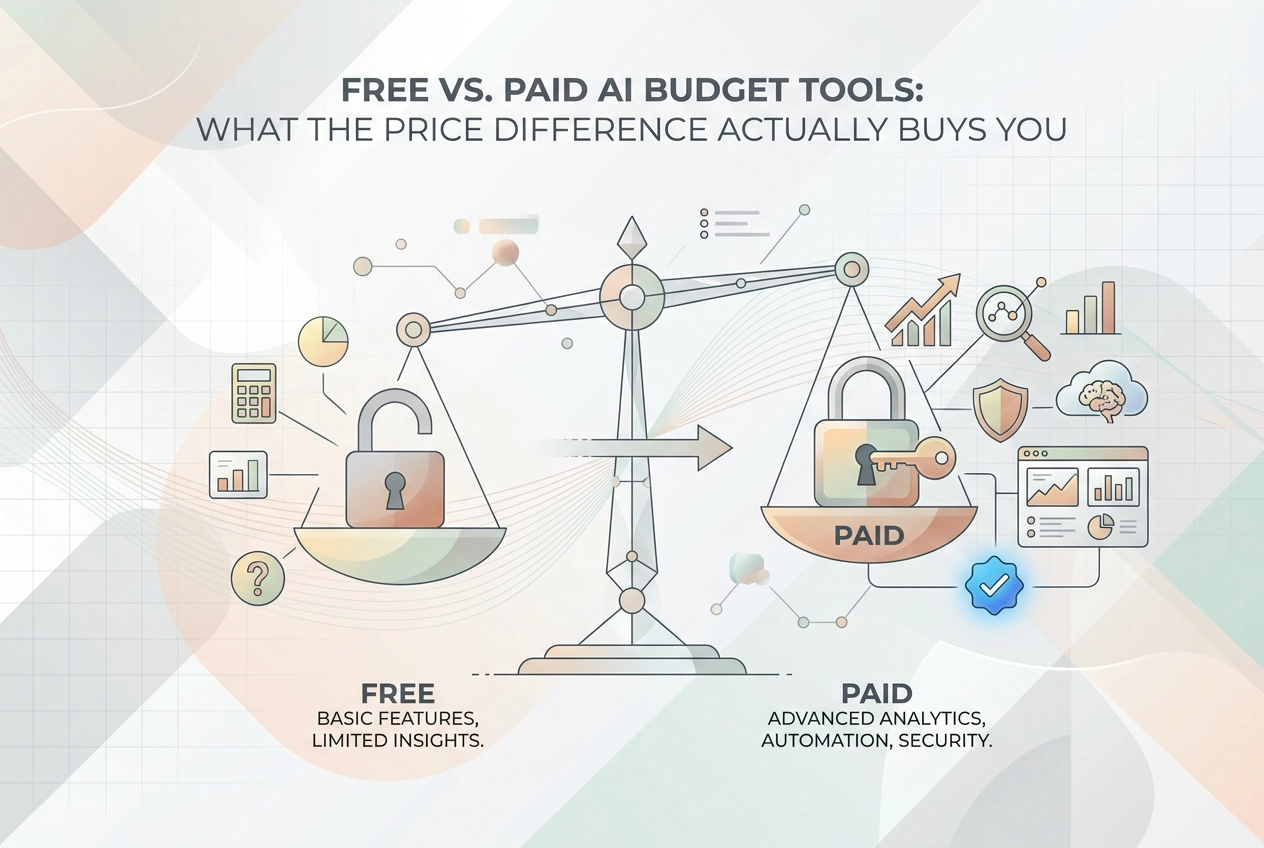
Discover what paid AI budget tools actually offer over free tiers. Compare features, paywalls, and find the best budget planner for your needs.
You downloaded a free AI budget planner, spent twenty minutes setting it up, and then hit a wall. Export your data? That is a paid feature. See more than 90 days of history? Upgrade required. Get accurate spending categories? You guessed it, premium only.
Sound familiar? You are not imagining it. Most AI budgeting tools are deliberately designed to give you just enough for free to make the upgrade feel necessary. It is a common freemium strategy, and once you know how it works, you can make much smarter decisions about where to spend your money, including whether to spend it on a budgeting app at all.
This post breaks down exactly what free AI budgeting tools actually cover, which features are consistently locked behind a paywall, and which of those limitations genuinely matter for everyday personal budgeting. We will also look at privacy trade-offs that most reviews skip over, and point out where free tools do the job just as well as paid ones. By the end, you will know exactly whether a paid plan is worth it for your specific situation.
Why Free AI Budgeting Tools Feel Just Out of Reach
Most free AI budgeting tools are built to a formula: give you just enough to find them useful, then block the features you actually need once you are invested. Research on SaaS freemium models confirms that free tiers are deliberately engineered conversion tools, designed to build habit first and create upgrade pressure second.
The frustration usually hits mid-use. You have been tracking your spending for six weeks, then try to export your data or review transactions from three months ago, and find it locked behind a paywall. By that point, switching feels harder than paying.
Across tools we've reviewed, paywalled capabilities tend to cluster around five areas:
Export formats (CSV, PDF, Excel downloads)
Historical data depth
Categorisation accuracy and custom rules
Multi-account aggregation
Processing speed
Understanding this pattern before you sign up changes your decision entirely. If you know the boundaries in advance, you can match a tool to your actual habits rather than discovering its limits after you have lost track of where your money is going.
This piece maps each limitation honestly. The goal is not to push you toward a paid plan, but to help you judge which restrictions genuinely affect your budgeting style before you commit to anything.
What Free AI Budget Planners Actually Cover
Before focusing on what's locked away, it's worth being clear about how much free plans actually deliver, because it's more than most people expect.
The core loop of any useful budget tool, importing transactions, sorting them into categories, and showing you a monthly summary, is available on free tiers across the board. For someone managing a single current account with fairly predictable spending, a free AI budget planner genuinely covers the day-to-day without any need to upgrade.
Even where live bank sync is restricted on a free plan, you can usually work around it. Many free tiers support manual transaction entry and CSV uploads, so you can export a statement from your bank and drop it straight in. How it works on tools like StatementToBudget.com shows how straightforward that upload process can be.
Basic category breakdowns, food, transport, subscriptions, eating out, are commonly available on free plans, and they are enough to spot where your money is actually going.
The honest verdict: if your main goal is understanding your monthly spending, free AI budgeting tools are genuinely sufficient for most people. The limitations exist, and the next section maps them in detail, but they tend to affect specific use cases rather than everyday personal budgeting.
The Features That Actually Sit Behind a Paywall
So that covers what free plans do include. Here is where they draw the line.
Export formats are one of the first things locked away. Free tiers commonly limit you to on-screen viewing. Downloading your data as a CSV, PDF, or Excel file, so you can use it in a spreadsheet or share it with an accountant, often requires a paid plan. If you cannot move your data out, you are effectively renting access to it.

Historical data depth is another common cut-off. Some free plans limit transaction history, making year-over-year comparisons impossible and hiding seasonal patterns in your spending. As your bank balance can actively mislead you about your true financial position, shallow history compounds the problem.
Categorisation accuracy and custom rules also tend to be premium. Free tiers apply generic labels, so a charge from a local gym might appear under "Health" or "Entertainment" depending on the algorithm's guess. Paid tiers typically let you train the AI on your own spending patterns and create categories that actually match your life.
Multi-account aggregation is frequently a paywalled feature. Seeing your current account, credit card, and savings pot in one view almost always costs extra.
Processing speed matters less unless you check daily; free tiers often run batch updates rather than real-time syncing.
Priority support and data retention guarantees round out the paid tier. Audit logs and direct customer support are rarely included at the free level.
Which Limitations Actually Matter for Personal Budgeting
Knowing what's paywalled is only half the picture. The more useful question is whether any of those restrictions actually affect how you budget.
Export restrictions only bite in specific situations: self-assessment tax returns, shared household finances where a partner needs a copy, or if you run a spreadsheet system alongside your ai budget app. If you just glance at a monthly summary and move on, locked exports are a non-issue.
Historical data limits matter when you are doing something time-sensitive with the past, such as spotting seasonal spending patterns, tracking progress toward a savings goal over six-plus months, or querying a transaction from last year. If you only check last month, a shallow cap is fine.
Categorisation gaps hurt most for freelancers, anyone with irregular income, or households with a tangle of subscription services that a generic AI labels as "miscellaneous." For straightforward salaried spending, default categories are usually accurate enough.
Multi-account aggregation is irrelevant if everything runs through one current account. The moment you add a credit card or a savings pot, a single-account view becomes genuinely misleading.
The clearest way to frame your decision: are you budgeting reactively (reviewing last month) or proactively (planning the next six months)? Free tiers handle reactive use well. Proactive planning, with goals and trend analysis, strains them.
Many people budget reactively. If that describes you, free tools are well suited to the task, headline restrictions and all.
When a Paid Plan Is Actually Worth the Upgrade
If you fall into the proactive camp from the previous section, here is where a paid plan starts to pay for itself.
Managing three or more accounts is the clearest trigger. Once you have a current account, a credit card, and a savings pot, the mental overhead of checking them separately undermines the whole point of budgeting. Paid tiers that consolidate everything into a single view earn their cost quickly.
Working toward a specific financial goal is the second scenario. Saving for a house deposit or paying off debt on a timeline requires you to see how your behaviour is trending over months, not just last month. Free tiers rarely give you that depth.
Freelancers and self-employed users have the most practical case for upgrading. Separating business and personal spending, and exporting records for your Self Assessment tax return, are both paywalled in most tools. If HMRC requires documentation, on-screen viewing is not sufficient.
Shared household finances are almost always a premium feature. Multi-user access, where a partner can view and contribute to the same budget, is rarely included in free tiers. Couples managing joint spending without it end up duplicating effort.
A simple time test: if you regularly find yourself working around a free-tier restriction, the friction cost likely justifies a modest paid plan.
If none of these scenarios apply, the free tier is enough. Skip the upgrade.
The Hidden Cost of Free: Data Retention and Privacy Trade-offs
Many free-tier AI budget tools monetise user data in ways buried in terms of service rather than flagged upfront. This can include sharing anonymised transaction data with financial product partners, technically disclosed, but rarely read.
Retention is another issue. Some free plans apply shorter data windows, and it is worth checking whether transaction history is retained if you stop logging in or downgrade. The UK GDPR's storage limitation principle requires organisations to justify retention periods but prescribes no specific timeframes, leaving room for free-tier terms to differ significantly from paid ones.
Paid plans may offer clearer data ownership terms and stronger alignment with UK data protection standards.
Before deciding which is the best budget planner for your situation, open the privacy policy and search for phrases like "we may share data with partners" before entering any bank credentials. It takes two minutes and can prevent a significant surprise later.
The cleanest workaround is choosing a tool that processes your bank statements directly, without requiring open banking credentials or persistent account access. That sidesteps most of these concerns entirely.
A Free Budget Planner Online That Does Not Gate the Core Features
That concern about data sharing points directly to a tool built around a different model entirely.
StatementToBudget.com makes its core AI workflow genuinely free, not free-with-asterisks. Bank statement analysis, OCR extraction, and instant spending categorisation are all available without hitting a paywall at the point where they actually matter.
You upload a bank statement in PDF, CSV, XLS, or OFX format and receive automatically categorised budget insights straight away. There is no requirement to connect a bank account, hand over open banking credentials, or grant persistent access to your finances.
The categorisation engine handles all four input formats and applies AI-driven analysis to extract and label transactions accurately.
For anyone who wants a capable ai budget planner without committing to a subscription, this is a practical starting point. You are getting the core analytical workflow, not a stripped-back taster designed to frustrate you into upgrading.
How to Choose the Right AI Budget App for Your Situation
Before committing to any tool, write down your actual situation in one or two lines: single account or multiple, monthly check-in or daily tracking, personal finances or a shared household. That list becomes your filter for every decision that follows.
Then give it at least a month on a free tier before upgrading. Paywall friction rarely shows up on day one; it surfaces once real spending data is inside the tool and you start wanting to do more with it.
Before you invest time entering transactions or syncing accounts, check one thing first: does the free tier let you export your data? Export restrictions frequently appear as upgrade levers in AI budget apps, and if you cannot get your data out, switching later becomes unnecessarily painful.
When you do compare paid plans, match the specific features against your use case list rather than the full feature menu. Premium plans are often packed with capabilities you will never use; you are looking for the one or two things that actually remove friction from your routine.
The Verdict: Free AI Budget Tools Work, With Specific Exceptions
Once you have worked through your use case list and run a free tier for a few weeks, the answer for most people is straightforward: free AI budget tools are genuinely good enough.
If your finances run through one account and your main goal is understanding where your money goes each month, you are unlikely to hit a meaningful wall. Outside the specific scenarios covered in the sections above, export needs, deep historical analysis, and multi-account management, the free tier holds up.
Before upgrading anything, match the missing feature to your actual situation. If you cannot name a concrete task it would solve, the cost is difficult to justify.
StatementToBudget.com is worth a look before committing to a subscription, the core workflow is free and ungated.
The final measure is simple: the right tool fits your actual habits, not the one with the most features on its pricing page.
Conclusion
Before spending money on a subscription, test what free tools actually offer against your specific needs. If you cannot identify a concrete gap, there is no reason to upgrade. The best budget tool is not the most expensive one, it is the one you will actually use consistently.