How Much of Your Budget Should the AI Decide? A Guide
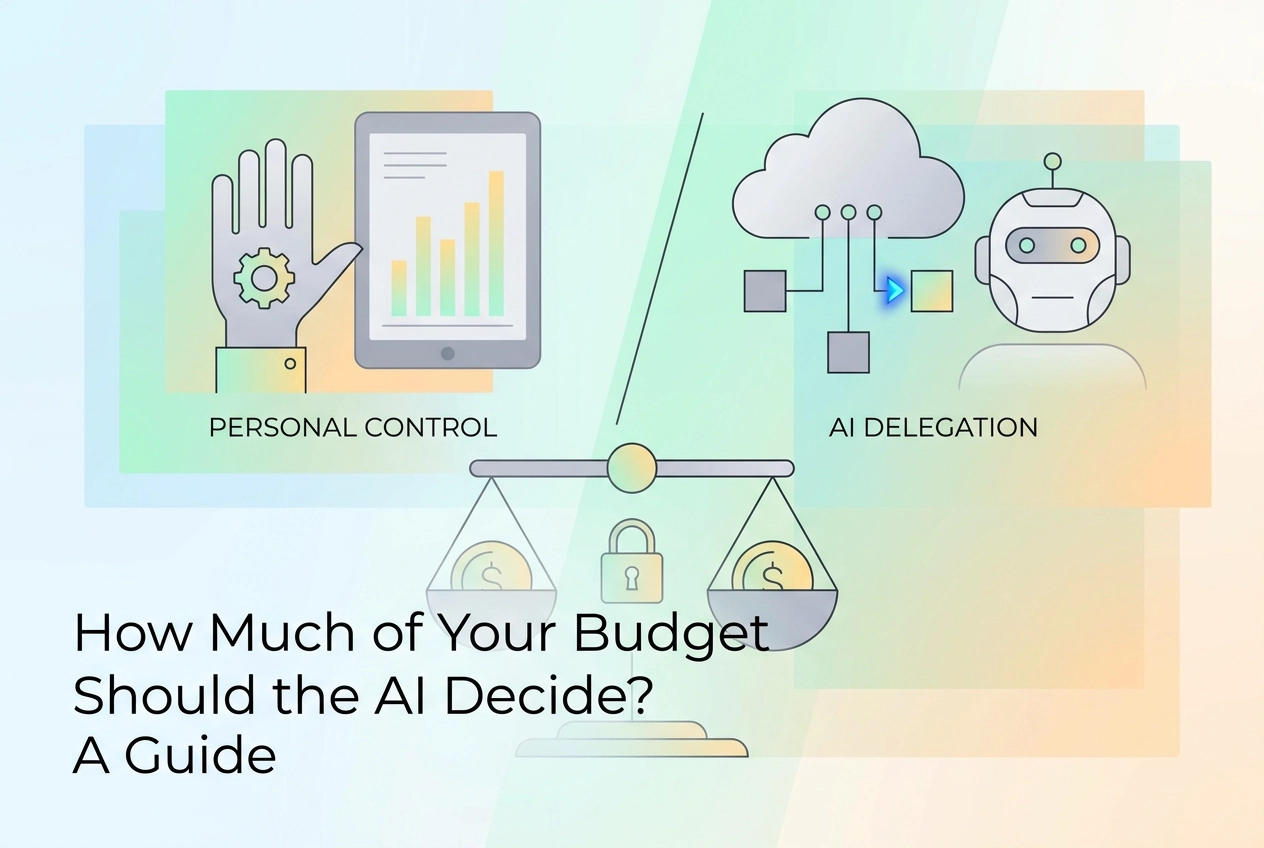
AI can group and total your spending, but you decide what counts as essential. Learn where to draw the line before you upload a statement.
Picture this: you upload your bank statement to an AI budgeting tool, and it cheerfully tells you that dining out is "essential" while your holiday fund is "optional." Helpful? Or a little presumptuous? The difference usually isn't the AI itself. It's the boundary you set before you upload anything. In this guide, we'll draw that line together: what the AI can handle, like grouping transactions, adding up totals, and spotting patterns, and what stays firmly yours, like deciding what counts as essential, what your priorities are, and what you're saving for. You'll also see why this question feels urgent in 2026, especially as regulators in the UK and elsewhere are still working out how existing rules apply to AI and consumer financial data. Then we'll walk through a practical way to set the boundary before you upload a statement, show a worked example from raw statement to a budget you actually sign off, and flag pitfalls that turn a helper into a presumption. By the end, you'll know how to keep the tool cooperative instead of letting it decide your life for you.
Why the Line You Draw Before You Upload Matters
The same AI budgeting tool can feel like a capable assistant or an unwelcome guest. That difference usually isn't the technology. It's the delegation decision you made before the first statement went in, or the one you never made at all.
That split, classification to the tool, judgment to you, is what this whole guide applies.
Timing is what makes it work. The categories a tool creates quietly become the frame you reason with. Review its output before writing your own list of essentials, and its defaults win by default.
The payoff shows up fast. Once the boundary is set, the tool answers descriptive questions in seconds, and you keep the value judgments, which is where money actually gets decided. That's also why a tool you'll genuinely reopen matters more than raw power, as this comparison of AI budget planners and traditional spreadsheets points out.
One note on scope: this is a tutorial, not a policy debate. Regulation shapes institutions. No rule will tell you whether your gym membership is essential. That call is yours, and the rest of this piece shows you how to keep it.
Why This Question Feels Urgent in 2026
That gap between regulation and real life is exactly why this feels urgent in 2026. AI is already normal in finance. A UK Treasury Committee report published January 20, 2026 found 75% of UK financial services firms use AI, heaviest among insurers and international banks there. The inquiry gathered 84 written submissions, correspondence from six major AI and cloud providers, and four oral evidence sessions. Its conclusion: the UK has no AI-specific legislation or financial regulation, so the FCA and Bank of England rely on existing frameworks.
The same report noted faster consumer services alongside significant risks to consumers and financial stability. That's institutional framing, but it maps to a personal question: who checks the output you rely on?
Consumer data control is moving too. The CFPB finalized its Personal Financial Data Rights Rule in October 2024, establishing the principle that consumers should direct access to their own financial data, a principle that matters even though the rule governs financial institutions, not budgeting apps. The CFPB has since sent a reconsideration proposal to OIRA for review, meaning the rule's final shape remains subject to revision; the underlying principle of consumer-directed data access, however, is now part of the regulatory conversation. The implication for your own practice is the same regardless: you should direct your own data.
AI oversight is increasingly supervisory too. The Conference of State Bank Supervisors released an AI Supervisory Framework, approved in August 2026 and confirmed by CSBS, that gives state examiners a principles-based approach to AI governance; it creates no new legal obligations but signals examiner expectations. The ability to see and correct a category assignment before accepting it is, in that spirit, good practice, treat it as this article's editorial conclusion rather than a sourced regulatory requirement.
What AI Should Delegate: Grouping, Totals and Pattern-Spotting
Here's what's safe to hand over. Classification means sorting raw statement lines into groups. A card payment at a supermarket becomes groceries; a monthly charge to a streaming service becomes subscriptions. It's descriptive work, no judgment attached.
Totals are the arithmetic layer: monthly category totals, averages, month-on-month changes, yearly comparisons. Machines do this without fatigue or embarrassment, which is exactly why it's safe to hand over.
Pattern-spotting is where delegation pays off most. Recurring charges, duplicate subscriptions, a spike in one category, seasonal shifts, and one-off expenses all hide in the same statement data, just viewed in different ways. If you're unsure how raw lines become those patterns, our guide to reading financial transactions walks through the mechanics.
Why is the risk low on this side of the line? A wrong category is correctable in seconds. A total carries no moral content. Nothing about delegating bookkeeping forces a decision about how you should live.
Still, set a bar for good delegation. You should see how each category was assigned, edit it, and watch the totals recalculate. If you can't inspect and correct the grouping, you've delegated more than you intended.
As an example, StatementToBudget accepts bank statements in PDF, CSV, XLS, or OFX format and converts them into categorized budget insights, with AI-driven spending analysis, bank statement OCR, and transaction extraction. Treat words like "secure" and "instant" as claims to verify yourself, not facts. Check how your data is handled before you upload.
Next: what stays yours.

What Stays Yours: Essentials, Priorities and Savings Goals
The delegated side ends where judgment starts.
Essentials are a values call, not a data problem. Rent, childcare, medication, a car payment in a city with poor transit, a gym you actually use: all defensible in different lives. No dataset knows your obligations. You can see the spending categories that appear on almost every American bank statement, but which of them are nonnegotiable is yours to name.
Priorities rank everything else. Suppose the tool reports dining out at 12% of spending. It can produce that number; it cannot say whether it's fine, generous, or worth changing.
Savings goals have a reason and a date. Three months of expenses in an emergency fund, a deposit by next spring, an order for paying down debt. Classifiers sort transactions; they cannot infer intent or which goal wins when two compete.
Your rules are yours too. No new subscription without cancelling one. Anything over a set amount sleeps on it for a night. Windfalls split 70% to savings, 30% to spending. Personal policy, not universal norms.
Keep ownership visible. Write your essentials list, goal amounts, and priority order where the tool cannot rewrite them. Compare its output against that document instead of adopting the output as your starting point.
How to Set the Boundary Before You Upload a Statement
You have your essentials list and your goals written down. Now decide what the tool gets to touch. Six steps, one sitting.
1. Write the essentials list first. Do this before you upload anything. Ten to fifteen lines, about ten minutes. This is your reference document, so keep it where a tool cannot rewrite it.
2. Name two or three goals, each with an amount and a date. Not aspirational. Specific: an emergency fund at a named figure, a deposit by a named month, a card balance cleared by a named month.
3. Say the delegated tasks out loud, in your words. For most people: categorize my transactions, total them by category, flag anything recurring. If a task is not on that list, you have not delegated it.
4. Pick a review cadence and keep it. A first pass when the tool produces its categories, then fifteen minutes monthly. Cadence is what keeps ownership real instead of theoretical.
5. Check the controls before you upload, not after. Can you rename or merge a category? Fix a misread merchant name? Delete uploaded data, and find out how long it is kept? Confirm consent, retention, and data-handling details directly with the tool. The idea that protections belong at the start is data protection by design, a principle aimed at organizations but a fair test for any upload.
6. Write down your fail conditions. If a tool starts ranking your goals, recommending a savings rate, or nudging spending decisions, that is scope creep. Reset the boundary instead of drifting with it.
If you want a refresher on what you are actually handing over, see What Is a Bank Statement and How to Use It to Budget.
A Worked Example: From Raw Statement to a Budget You Signed Off
Say your essentials list is done and saved somewhere off the app. Now it's time to use it.
Pull one month of statements and upload them in whichever format you have: PDF, CSV, XLS or OFX. With a tool like StatementToBudget, OCR turns scanned or text-based PDFs into line items, which then become categorized insights.
The delegated work lands first. Groceries get grouped, subscriptions get flagged as recurring, transport and utilities get totals, and one unfamiliar charge stands out. That is the machine doing its job, and it is fast.
Then your part begins. Re-assign the ambiguous lines, decide whether the flagged entertainment total counts as essential for you, and label annual insurance as a planned cost rather than an overspend.
Add what no tool can produce: your emergency fund target, your deposit savings, and the priority order between them. If dining out lands above a level you are comfortable with, that change is your decision, not the tool's.
Save the reviewed version as your baseline. Next month, compare the new output against it instead of rebuilding your priorities from scratch. If you prefer to organize those numbers outside the app, these free budget planner templates that work with statement data accept CSV exports.
Keep a short correction log for the first two months. If the same merchant keeps landing in the wrong category, you have found a specific fix rather than a general reason to distrust the whole tool. And every correction makes the next month's comparison cleaner.
Pitfalls That Turn a Helper Into a Presumption
Even with a reviewed baseline in hand, a few small habits quietly hand the wheel back to the tool. Watch for these six.
Letting the AI define essential. Default categories carry someone else's assumptions about normal life. Accept them untouched and you have given away a value judgment you never meant to hand over.
Outsourcing savings goals. A suggested savings rate is not your goal. When the tool sets the target, you also stop owning the trade-off that makes it possible.
Mistaking description for judgement. "You spent 22% more on takeaway" is a finding. "You should cut takeaway" is a decision. Keep the first, make the second yourself.
Skipping data controls. Before uploading, find out what happens to the statements, how long they are retained, and who can access them. Understanding what an AI budget planner actually does with your statement data is where that check starts.
Automating the whole loop. Auto-categorize plus auto-approve leaves no human review. That is the setup where one bad category quietly reshapes every total built on top of it.
Confusing institutional rules with personal ones. Data rights rules and state supervisory frameworks govern financial institutions and examiners. Your weekly spending choices still belong to you.
Set your essentials first, and a pushy default becomes just a suggestion you can decline.
The Boundary Is What Makes the Tool Cooperative
Now that you know what to avoid, here is the short version of what to do instead.
The steps in the boundary-setting section above give you the full sequence; the short version is: essentials list, two goals, one delegated-task sentence, one month of statements reviewed before totals, and fifteen minutes monthly.
When the line is drawn first, the AI does the bookkeeping and you keep the judgement. That is what makes an AI budget cooperative rather than presumptuous, and it is the one decision no tool can make for you.
Conclusion
Draw the boundary before you upload, and the tool becomes cooperative rather than presumptuous. Your next step is simple: spend ten minutes today writing your essentials list and naming two goals with an amount and a date each. That one decision keeps the judgment yours.