How to Create a Personal Budget From Your Bank Statement in Under 30 Minutes
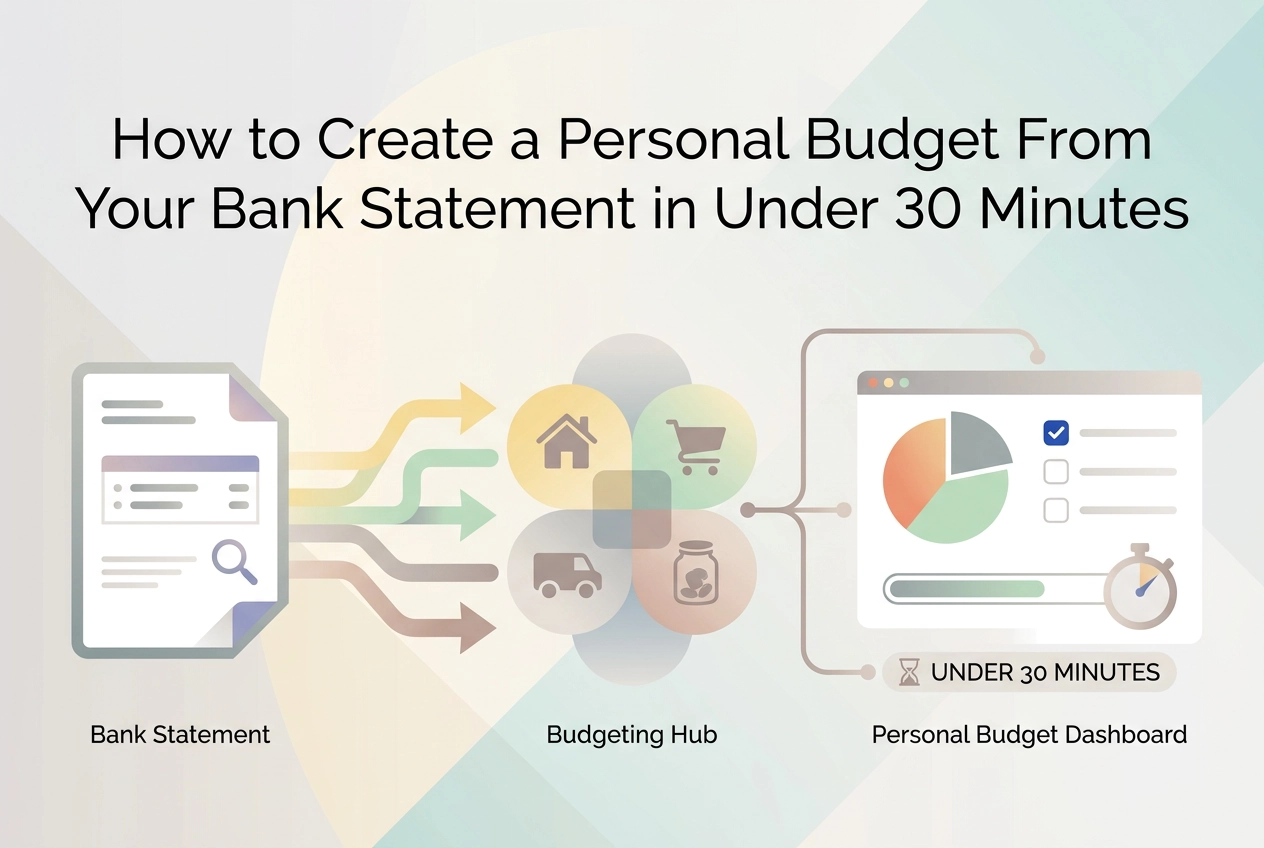
Skip the blank spreadsheet. Learn how to build an accurate personal budget from your bank statement in under 30 minutes with this step-by-step guide.
Most people never start a personal budget because the setup alone feels exhausting. You open a blank spreadsheet, stare at it, and suddenly wonder where to even begin. What were your actual expenses last month? How much did you really spend on food? That guesswork phase is exactly where most budgets die before they ever get off the ground.
Here is the thing: you do not need to start from scratch. Your bank statement already has every number you need, sitting there, organized and ready to use. Income, bills, subscriptions, coffee runs, all of it is already captured. You just need a simple process to turn those transactions into a working budget.
That is exactly what this guide walks you through. In under 30 minutes, you will download your statement, pull out your key numbers, sort your spending into clear categories, and map everything into a budget framework that actually reflects your real life. No guessing, no intimidating spreadsheets, no financial background required. By the end, you will have a budget built on real data and a process you can repeat every single month.
Why Budgeting Feels Hard Before You Even Start

Open a blank spreadsheet and your first thought is: what goes here? You start trying to remember every bill, every grocery run, every streaming service you signed up for. That mental effort burns out most people before they type a single number. It is decision fatigue, and it hits before any real budgeting work begins.
The frustration is not a personal failing. Research from Bank of America confirms that financial stress is rising, and organizations like StepChange explicitly name overwhelm as the primary reason people abandon budgets early. If starting a budget feels heavy, that response is well-documented and completely normal.
Most traditional guides make it worse. Bank, credit union, and personal finance templates hand you a blank framework and ask you to fill it from memory, typically a two to three hour process before you have anything usable.
The guesswork is the real problem. Estimating grocery spend or utility costs from memory almost always produces numbers that are slightly wrong, and a budget built on shaky estimates fails the moment reality does not match. There is more on why that cycle repeats and how to break it.
The fix is not a better template. It is starting from a source that already holds every number: your bank statement.
Why Your Bank Statement Is the Best Budget Planner You Already Have
Your bank statement is, functionally, a complete budget planner that you already own.
A single monthly statement contains every data point a personal budget requires: income deposits, fixed recurring charges, variable spending by merchant, and discretionary transactions. Nothing is missing. Unlike recalled estimates, every entry is a factual, timestamped record. There is no guessing what you spent on dining out last month because the exact total is already printed in the data.
This also solves the categorization starting-point problem. Instead of brainstorming budget categories from scratch, you reverse-engineer them from spending patterns that are already visible. Your actual habits define the categories, not a generic template.
Better yet, you almost certainly have access to this resource right now. Most online banking portals let you download at least one month of statement history in PDF, CSV, or XLS format within a few clicks. The prerequisite is already met before you open a single spreadsheet.
If you want to understand exactly what each line of that statement tells you, this guide to reading a bank statement and building a budget from it walks through every section in plain language.
The bottom line: real transaction data replaces guesswork from minute one, which is why this approach produces more accurate first-draft budgets than any manual method.
What You Need Before You Begin (2 Minutes)
Good news: you don't need much to get started.
What to gather before you begin:
Your most recent full monthly bank statement. Log into your online banking portal and download it. Most banks offer PDF, CSV, or XLS export options.
A second statement from the previous month if your income or spending fluctuates. Two months gives you a more reliable average to work from.
A budget framework. The 50/30/20 rule works well for beginners: 50% of your income toward needs, 30% toward wants, and 20% toward savings and debt. You'll map your real numbers into this structure in a later step.
Optional but worth it: A tool like StatementToBudget.com that reads your statement automatically. Upload a PDF, CSV, XLS, or OFX file and it extracts and categorizes every transaction instantly, so you skip manual data entry entirely.
No spreadsheet skills, no financial background, and no prior budgeting experience required. This process is built for people starting from zero. If you have your statement ready, you're already further along than you think.
Step 1: Find Your Total Monthly Income (3 Minutes)
With your statement open, scan specifically for credit entries, these are inbound deposits labeled as credits on any standard statement. You're looking for direct deposits from your employer, freelance or gig payments, side income transfers, and any regular inflows from other accounts you own.
Add those figures together. That total is your net monthly income baseline, the single number every budget percentage and spending limit will be calculated from. If you want a deeper look at how your statement is structured and what each column means, this guide on using a bank statement to budget covers it clearly.
If your income varies month to month, don't budget from your best month or your worst. Average two or three months of deposits instead. That gives you a stable working number that won't set you up to overspend or under-plan.
Also note the dates each deposit lands, not just the amounts. A bi-weekly paycheck hits twice some months and the timing affects which bills you can cover in which pay period.
This step moves fast for one simple reason: income entries are far fewer than expense transactions, and they're clearly flagged as credits. Most people are done in under three minutes.
Step 2: Identify Your Fixed Expenses (5 Minutes)
With your income baseline set, turn next to expenses that hit your account like clockwork every month.
Fixed expenses are recurring charges appearing at the same amount each billing cycle: rent or mortgage, car loan installments, insurance premiums, your phone bill, and flat-fee subscriptions. On your statement, these are easy to spot because the merchant name and dollar amount repeat without variation.
List each one with its monthly amount and due date. As a group, fixed expenses typically account for 40 to 60 percent of a household budget, making them the load-bearing wall of your personal budget.
While scanning, flag any charge you do not immediately recognize or no longer use. Forgotten streaming services, lapsed app subscriptions, and unused memberships are common culprits; canceling even two or three can free up $30 to $60 a month with a single call or click.
If you want a deeper primer on reading transaction entries before building this list, this guide to financial transactions covers exactly how to interpret the raw data on your statement.
Fixed expenses are untouchable for this month's budget, but keep a mental note: they are also your best long-term targets for renegotiating rates or cutting services you have outgrown.
Step 3: Categorize Your Variable Spending (10 Minutes)
With your fixed expenses locked in, turn to everything that fluctuates month to month: groceries, fuel, dining out, clothing, household supplies, entertainment, and personal care.
Keep your categories broad. Group transactions into four to six buckets rather than creating a separate line for every merchant. Splitting "groceries" into Whole Foods, Trader Joe's, and Costco individually adds time without improving your budget's accuracy at this stage.
For each category, add up the transaction totals to get a single monthly number. That figure is your current spending baseline and your starting budget target in one step.
This is where the bank-statement-first approach earns its biggest advantage. Instead of guessing what you spent on groceries last month, you are reading the exact total from your actual transactions. No estimation, no rounding, no forgotten trips. The CFPB and state financial regulators both recommend reviewing real statement data over memory-based estimates for exactly this reason.
If you want to skip the manual addition entirely, upload your statement and get a full spend analysis in seconds. StatementToBudget.com uses AI to extract and categorize every transaction automatically the moment your file is uploaded, compressing this entire step from minutes into seconds.
Step 4: Map Your Numbers to a Budget Framework (7 Minutes)
Now that you have spending totals in hand, it's time to put them to work.
Take your net monthly income and run it through the 50/30/20 budget rule: multiply it by 0.50 (needs), 0.30 (wants), and 0.20 (savings and debt repayment) to get three dollar targets. On a $4,000 take-home, that's $2,000, $1,200, and $800 respectively.
Now compare those targets against your Step 2 and Step 3 totals. The difference between what you should spend and what you actually spent is your real budget adjustment, no guessing required.
Most people spot the same pattern immediately: the wants category (dining, entertainment, subscriptions) runs past the 30% mark, while savings falls short. Seeing the exact dollar gap makes it concrete in a way that vague intentions never do.
If debt payoff is a priority right now, redirect some of your wants allocation into the 20% bucket until the balance improves. The framework is a starting point, not a hard rule.
Finally, record these mapped targets in a monthly budget planner template, even a simple one. Next month, when you pull your next statement, you'll have real numbers to compare against.
Step 5: Set Spending Limits and Do a One-Minute Gut Check (5 Minutes)
Now lock in each category limit. Start with your framework target from Step 4, or if that feels like a stretch, take your actual spend and cut it by 10 to 15 percent. That smaller reduction is far easier to maintain than slashing a category in half and burning out by week two.
Write every limit somewhere you will actually see it: a notes app, a printed budget planner template that walks you through each step, or the StatementToBudget.com dashboard, where your categories are already populated from your uploaded statement.
Then pause for 60 seconds and ask: does this budget feel livable for the next 30 days? If a limit makes you wince, adjust it now. A slightly generous limit you stick to beats a tight one you abandon.
Finally, name one goal for your savings line. An emergency fund, a credit card balance, a specific purchase. Budgets tied to a concrete goal have stronger follow-through than ones that just say "save more."
That is it. You now have a complete personal budget: income, fixed costs, variable spending caps, and a savings target, all pulled from real transaction data rather than guesswork.
The 30-Minute Budget vs. The Traditional Method: What You Actually Save
Now that your budget is built, here is what you actually saved.
The traditional blank-spreadsheet approach requires recalling every expense category from memory, researching average costs for anything you are unsure about, then reconciling those estimates against your real spending. For a first-time budgeter, that process routinely runs two to three hours before producing anything usable.
The bank-statement-first method removes the guesswork phase entirely. You are reading actual numbers, not reconstructing them. That single shift makes everything faster and more accurate from minute one.
The time breakdown for the steps in this guide:
Setup: 2 minutes
Income: 3 minutes
Fixed expenses: 5 minutes
Variable categorization: 10 minutes
Framework mapping: 7 minutes
Limit-setting and review: 5 minutes
That totals roughly 32 minutes at a careful pace, and under 25 minutes the second time through.
Accuracy improves too. Budgets built from real transactions skip the rounding errors and forgotten expenses that manual recall always carries, which means fewer mid-month surprises when reality does not match the plan.
The emotional payoff is just as real. Finishing a complete, working personal budget in one sitting breaks the dread-and-postpone cycle that stops most people before they ever begin.
Tips to Keep Your Budget Working After You Build It
Building a budget is the hard part. Keeping it running is mostly habit.
Review it monthly, not occasionally. At the start of each month, download last month's statement and run through your categories. With your framework already in place, this takes under 15 minutes, not another 30.
Aim for realistic, not perfect. A UVA study analyzing over 350 million transactions found that imperfect adherence to a reasonable budget still reduced spending meaningfully over six months. Hitting 80 percent of your targets every month beats setting aggressive limits and quitting by week three.
Use your statement as a scorecard, not just a starting point. Each month, compare actual spend against your limits. That side-by-side comparison is more honest than any self-assessment from memory.
When life changes, re-run the process. New job, new city, new subscriptions: update your budget from a fresh statement rather than manually patching old figures. Real data beats guesswork every time.
Upload two or three months at once if you can. Tools like StatementToBudget.com let you do this, and multiple months surface seasonal patterns, like holiday spending spikes or summer travel costs, that a single statement won't show.
Your Bank Statement Already Has Your Budget Inside It
Budgeting feels hard because of the setup, not the budgeting itself. Starting from a blank template means guessing at categories and recalling expenses from memory before you've made a single real decision. Your bank statement removes that entire phase. The data is already there.
The five steps in this guide, covering income, fixed expenses, variable spending, framework mapping, and limit-setting, fit inside 30 minutes using only a downloaded statement and a simple template. That's not an optimistic estimate; it's what happens when real data replaces guesswork.
If you want to move even faster, upload your statement to StatementToBudget.com and let the AI extract and categorize every transaction automatically. Your spending categories are ready before you finish your coffee.
Your next move is simple: download last month's statement right now and run through Step 1. Three minutes is enough to make budgeting feel possible instead of overwhelming.
A budget built from real numbers, finished in one sitting, beats a perfect plan that never gets started. You already have everything you need.
Conclusion
You now have everything required to build a real budget in under 30 minutes. Your bank statement already contains your income, your fixed costs, your spending patterns, and the raw material for a framework that actually reflects your life. No guessing, no blank templates, no excuses.
The key takeaways are straightforward: real data beats memory, categorization takes minutes when the numbers are in front of you, and a simple framework like 50/30/20 gives your figures immediate meaning.
The hardest part is starting. So start small. Download last month's statement right now, run through Step 1, and let the momentum carry you forward. If you want to skip the manual work entirely, upload your statement to StatementToBudget.com and have every transaction categorized automatically.
A budget you finish today will always outperform a perfect plan you never build.