Rebuild Your Budget When Triggers Hit, Not Every Month
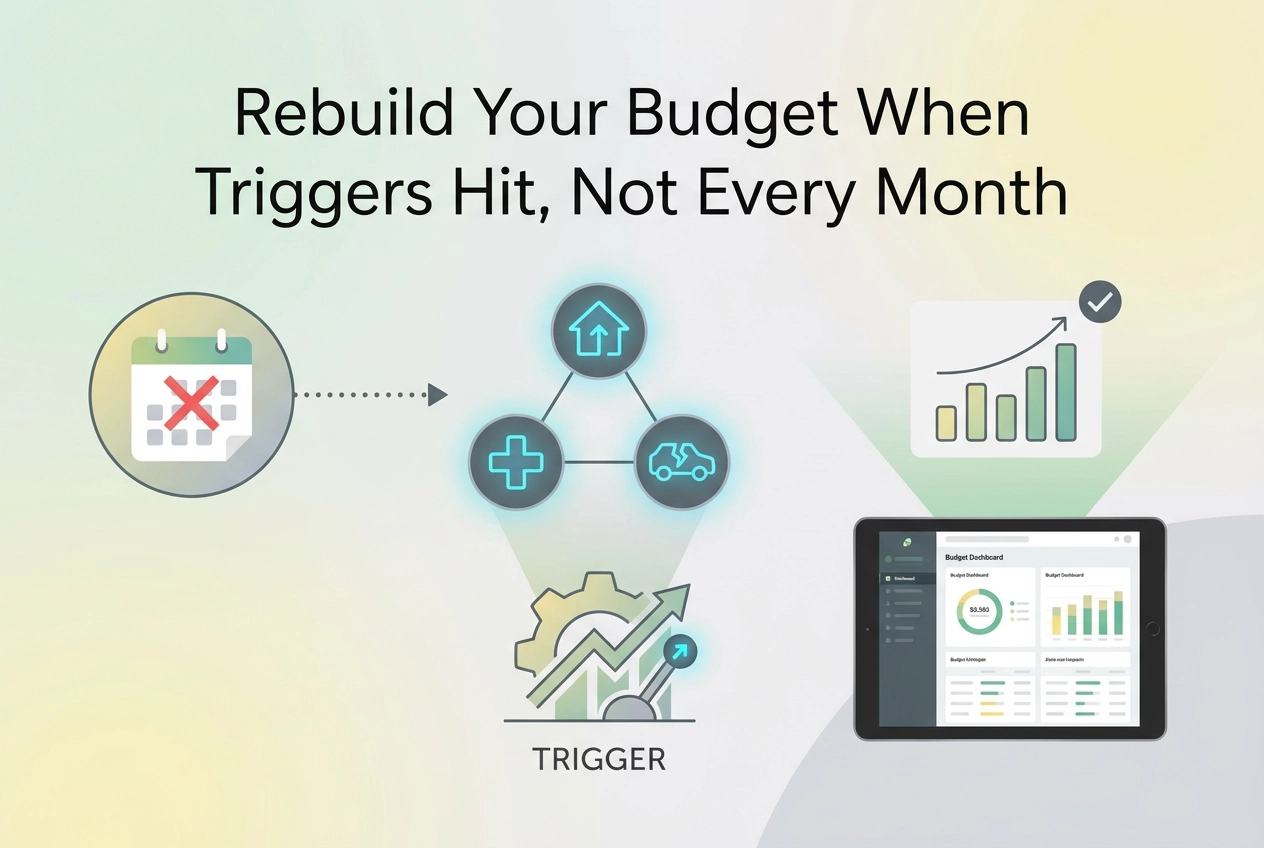
Rebuilding your budget every month wastes effort and misses what matters. Learn the three triggers that tell you when to re-run it, and how to spot them.
Your budget does not expire on the first of the month. It expires when your money changes. Rebuilding on a fixed schedule feels disciplined, but it wastes effort in quiet months and misses the months that actually matter. The better rule is event driven: when a trigger hits, you re-run the numbers. Three triggers cover almost everything. Your income changes. A new recurring charge appears. A one-off hit lands. Each one leaves a trace in the bank or card statement that recorded it, which makes detection simpler than guesswork. This tutorial shows you how to make budget updates on evidence rather than habit. You will learn why the monthly rebuild wastes effort, what counts as a budget trigger, how to handle income changes, new recurring charges, and one-off hits, how to spot each trigger in your statements, how to turn a detected trigger into budget updates, and how often you should rebuild. By the end, you will have a repeatable process for keeping your budget current without rebuilding it just because the calendar flipped.
Why the Monthly Rebuild Wastes Effort
In a quiet month, a full rebuild is pure repetition. The same rent, the same utilities, the same four subscriptions. You re-derive numbers that never moved, then file the plan away unchanged.
In a loud month, the calendar works against you. A review done on the 1st is already stale by the 12th, because a raise, a new streaming charge, or a brake repair landed after the numbers were set.
The usual explanation for a failed budget is discipline. A more useful one is that the plan was never updated when its inputs changed. Treat that as a working principle rather than a proven finding; no public dataset directly compares calendar reviews with event-driven ones.
A lagging budget gets abandoned, and an abandoned budget costs more than a rebuild does. Accuracy comes from matching the plan to your current statement, not from reviewing on a tidy schedule. If converting a statement is where you usually stop, the workflow that turns those lines into spending limits is the next step.
This piece takes a position: the calendar should not trigger a rebuild. Three triggers should, and every one of them is visible in the statement that recorded it.
What Counts as a Budget Trigger
A trigger is any change that moves your monthly margin in one of three ways: income shifts, a new recurring charge appears, or a one-off expense lands that the month was never sized for.
The filter test. Ask one question: does this change the amount you expect to have available next month? If yes, rebuild. If no, note it and move on without touching the plan.
Almost everything rolls into those three buckets. A raise and a layoff are the same trigger with opposite signs. A subscription renewal, an insurance premium bump, and a new phone plan do not need separate rules. They are all the second bucket.
Budget updates become event-driven. You run them when a trigger fires, which might mean four times in one quarter and zero times the next. That is the intended behaviour, not neglect.
Detection is easier than it sounds, because each trigger leaves a written trace in a bank statement or account export. You do not need to remember what changed or keep flawless records in advance. The evidence is already recorded; you only need to read for it. If reading analytically is new to you, this guide on how to read a bank statement for budget insights covers the technique.
Trigger 1: Your Income Changed
Income is the first trigger because it sets the ceiling on everything else. Watch for a raise or cut, an hours change, a new job, job loss, a bonus, commission swings, and starting or stopping side work.
A fixed-paycheck model is less realistic than it used to be. Federal Reserve survey data cited by the Gig Economy Data Hub shows that 20 percent of adults did gig work in the past month in 2024, up from 16 percent in 2021, and only 21 percent of gig workers called it their main job. Volatility is a live risk, not just a life event: in the 2025 Survey of Household Economics and Decisionmaking, concerns about finding or keeping a job rose and layoffs rose slightly, while 58% of adults said price changes had worsened their financial situation.
So if earnings move around, reset your income line to your lowest reliable monthly figure, then treat the surplus above that line as separate money rather than budget you can commit. Our guide to budgeting when income changes every month covers the mechanics.
Where it shows in the statement: a deposit changing amount or arrival date, an expected deposit that does not appear, or a deposit arriving from a source that never used to pay you. Any of the three is your signal to run budget updates now rather than at month end.
Trigger 2: A New Recurring Charge Shows Up
A new recurring charge compounds: it hits every month until you decide otherwise, which is why it earns a rebuild on first appearance rather than a note for later. A modest $10 monthly charge is $120 a year, money that leaves before you have agreed it should.
The classic case is the free trial that converts quietly. The first charge looks like a one-off. The second identical charge is what proves it is recurring.
Add the line to fixed costs, recheck your discretionary total against it, and make one decision: does it stay, move, or go? Do not cancel reflexively. A new charge sometimes replaced one you were already paying, and swapping the old line for the new one can leave your margin unchanged.
Where it shows: the same merchant at the same amount on consecutive statements, exactly the kind of repeating line a thorough review of your bank statement surfaces. Small amounts hide best, so scan your smallest recurring lines rather than your biggest. A vendor's description of how a charge is billed is not evidence; the repeating line in your own statement is.
Trigger 3: A One-Off Hit Lands
Some triggers announce themselves monthly. A one-off hit does not. It is an expense that is not monthly but large enough to break the month: a car repair, a medical bill, a tax payment, travel, moving costs, or a failed appliance.
This trigger turns a workable month into a credit card balance. A 2019 analysis by the Center for Retirement Research, drawing on Federal Reserve survey data, found 41 percent of households would need to borrow, sell something, stop paying other bills, or could not cover a $400 emergency expense, with 17 percent of households earning over $100,000 giving the same answer. That figure rests on 2017 data, so read it as a directional signal, not a current one.
A bank balance is not absorbable cash. The Center for Retirement Research notes that some households holding $400 or more still carry credit card debt equal to or greater than that amount, which is how an unplanned debit tips a healthy-looking account into a negative bank account balance.
What to change: do not rewrite the whole plan. Adjust this month, then rebuild the following months to refill the buffer you used.
Where it shows: a single large debit from an unfamiliar or irregular merchant, or several mid-sized debits that push a category well past where you set it.

How to Spot Each Trigger in Your Statements
The one-off hit is already recorded, and so is every other trigger. Start at the statement because it captured the change: detection becomes a reading task, not a memory task, and it works even when you forgot the change happened.
On the deposit side, scan for a change in payee, amount, or interval. Flag a missing expected deposit, and separate irregular side income from salary so one good month does not read as a new baseline.
For recurring charges, compare consecutive periods for the same merchant at the same amount. Check the smallest lines first. A $9 charge repeating twelve times a year adds up to roughly $108 annually, easy to miss and easy to fix.
For one-off hits, sort debits by size and read the top few. If the merchant is not one you recognise as a recurring bill, treat the line as a one-off hit.
Format matters. PDF statements need reading, though text recognition helps. CSV and XLS exports sort and filter easily. OFX files carry structured transaction data that most budgeting tools can parse directly.
StatementToBudget accepts bank statements in PDF, CSV, XLS, or OFX, uses statement OCR and transaction extraction to pull the lines out, and converts them into categorised budget insights. Treat it as a trigger-detection aid for finding the change, not as a substitute for your judgment about what to do next. For the review habit around it, see building better money habits using your bank statement as a feedback loop.
Turning a Detected Trigger Into Budget Updates
Once you have found the change, the update itself is short: four steps, one decision.
Step 1: name the trigger and put a number on it. A $40 monthly subscription and a $40 pay cut are different problems. The monthly delta tells you which one you are solving.
Step 2: route the change to the right side of the plan. Income changes go to the income line, recurring charges go to fixed costs, and one-off hits belong to this month only rather than to every month going forward.
Step 3: recheck your margin, not every category. Most triggers move exactly one line, so a full category-by-category review is work you do not need to redo. Understanding what your bank statement spending patterns actually mean helps you judge whether the margin still holds.
Step 4: write the new plan down, or re-run the statement against the updated plan. Next month's export is then compared with the numbers you expect to see.
Rule of thumb: one trigger, one change, one check. If the delta is small enough to absorb without moving anything, note it and skip the rebuild entirely.
How often you repeat this depends on how often a trigger fires.
How Often Should You Rebuild Your Budget?
That rule of thumb leaves one question: how often should you rebuild? The short answer is as often as a trigger fires. The calendar tells you the date, not whether your numbers moved. A quiet month with unchanged rent, utilities and subscriptions deserves no rebuild.
A light monthly glance still earns its place, but for a limited job. Confirm the plan matches the statement and catch a recurring charge you missed when it first appeared. That is verification, not rebuilding.
Keep the distinction sharp. A glance checks. A budget update changes numbers, and it should only do so when a trigger gave you a reason.
Set alerts instead of rituals. Review after any pay change, any new recurring charge, and any large unexpected debit. Let quiet months stay quiet. If you need a repeatable way to run that check, see How to Create a Personal Budget From Your Bank Statement in Under 30 Minutes.
Closing a statement with zero edits is a valid outcome, not a neglected budget. It means your plan still matches reality. From here, the final test is simpler: rebuild on evidence, not on the calendar.
Rebuild on Evidence, Not on the Calendar
The timing rule only works if the rebuild itself is evidence-led. Read the statement that recorded the trigger. The deposit that changed, the merchant that repeated, and the debit that broke the month are already in the record you hold.
Put it into practice this week. Open your most recent statement. Scan deposits for a change in amount or cadence. Look for a merchant repeating at the same amount. Sort debits by size. Whichever trigger you find first decides when your next round of budget updates happens.
Conclusion
Three triggers, income changed, a new recurring charge appeared, a one-off hit landed, are your rebuild signals. When you find one, update the plan; when you do not, leave it alone. For the full action checklist, return to the Rebuild on Evidence section above.