What Happens to Your Bank Statement After You Upload It
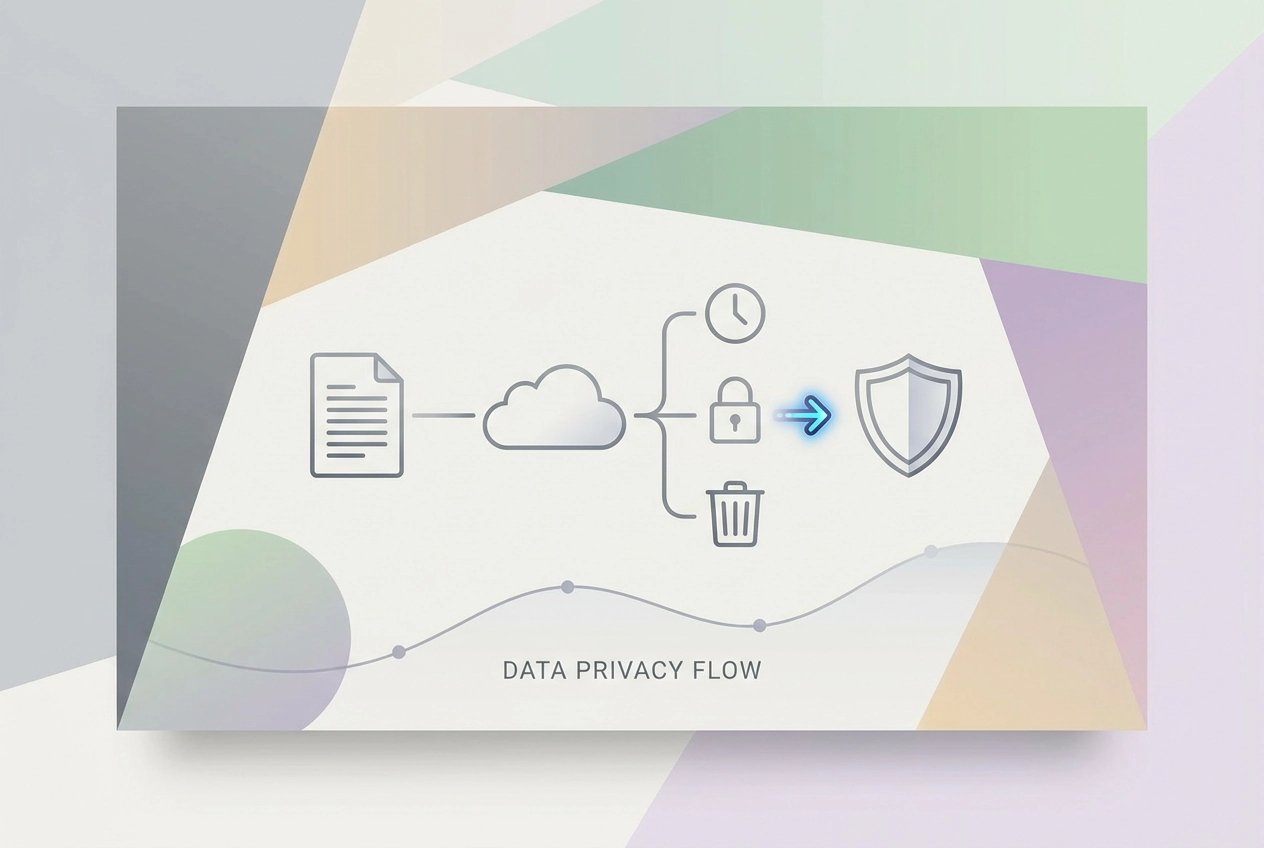
See what actually happens to a bank statement after upload, from retention and staff access to deletion and backups, plus questions to ask any tool.
Asking whether uploading a bank statement is "safe" is the wrong question. The useful question is what the tool does with your file after it reaches the server. A generic security badge cannot tell you whether your statement is stored, for how long, who can access it, or what deletion really removes. This post answers those practical concerns directly.
We will trace the lifecycle of an uploaded bank statement step by step, then examine three issues every cautious reader should press on: what is actually kept, how long it is kept, and who can actually see it. From there, we will clarify what "delete" usually means and what it does not, including backups and logs. You will also get five questions to ask any statement upload tool, methods to verify the answers before you upload, and a plain look at overlapping regulations such as the CFPB's Personal Financial Data Rights Rule and the FTC Safeguards Rule. We will separate transit encryption from storage, access, vendor processing, and deletion, because only the full lifecycle shows whether a tool is trustworthy.
Why "Is Uploading Safe?" Is the Wrong Question
Security claims typically describe a single moment. The FTC notes that the https:// prefix means information is encrypted in transit, which covers only the journey between your device and the server, not what happens after the file lands.

An uploaded bank statement is rarely just a document. It typically carries sensitive financial details: account identifiers, transaction history, and a record of where and how you spend. Learning how to convert a bank statement PDF to CSV is only the first step in a much longer lifecycle.
Three questions separate a tool with real answers from one with a slogan: what is kept, how long it is kept, and who can see it. The ICO requires organisations to justify retention periods, yet retention clocks, backup windows and subprocessor lists rarely fit on a landing page, so vague copy often skips them.
You do not need to be a security expert. You need to know the file's exit conditions before the file goes in.
The Lifecycle of an Uploaded Bank Statement, Step by Step
The journey from upload to deletion has six stages, each with different data-handling behaviour.
Transit. Encryption in transit is the baseline expectation.
Processing. A statement converter reads your PDF, CSV, XLS or OFX file through statement OCR, text extraction and transaction extraction, often supported by third-party AI or document-parsing services. Ask whether parsing happens in memory or on a saved copy.
Derived data. The parsed output (transactions, dates, amounts, categories) is usually stored separately from the original. A tool can delete your PDF and still retain everything that was inside it, which is why a Data We Process disclosure matters as much as the file itself.
Storage. Whether the original upload is kept at all, and whether derived insights live in your account for as long as the account exists.
Access. The people and systems that can view the file or its contents: support staff, contractors, vendors, monitoring tools. Name them.
Retention and deletion. The clock starts at upload. A deletion policy should describe where it stops. Backups and logs usually sit outside the main deletion flow.
Each stage can be strong in one tool and weak in another. Evaluate them separately rather than accepting a single overall verdict.
Question One: What Is Actually Kept?
Four artifacts need separate answers: the original uploaded file, the extracted transaction data, derived summaries or budget categories, and technical logs recording that an upload occurred. UK GDPR storage limitation principles require personal data not to be kept longer than necessary, applying to every format from collection through deletion.
StatementToBudget.com accepts PDF, CSV, XLS and OFX statements, using bank statement OCR and transaction extraction to produce categorized budget insights. A strong answer states whether the original is discarded after parsing or stored for the life of your account.
Three follow-ups matter. Are account numbers masked or truncated in stored data? Are full statement pages kept, or only the structured rows extracted? And what happens to a file that fails to parse, uses an unsupported layout, or is flagged for manual review? Failed uploads sit in unexpected places.
Finally, find a plain sentence in the privacy policy naming what is stored and not. Abstract references to "data" leave the question unanswered.
Question Two: How Long Is It Kept?
Retention needs a clock, not an adjective. "Kept securely" tells you nothing; "deleted 30 days after processing" or "retained while your account is active" tells you what you are agreeing to. Distinguish processing-time retention, where a tool parses in one session and stores only the resulting transactions, from account-lifetime retention, where the source document stays indefinitely.
Ask whether deletion is automatic or depends on you acting. A tool that removes your statement only when you close your account differs from one that purges on a fixed schedule. Backups run on their own clock; an honest answer from the provider names that window.
Record retention rules exist, including 12 CFR 1002.12 in the CFPB's Regulation B. These govern creditors and credit applications, not consumer uploads to a budgeting tool. Do not assume a citation protects your file, or obligates a tool to keep it. Once you know the clock, a budget-first workflow helps you decide what to do with the converted data.
Question Three: Who Can Actually See Your Statement?
Retention sets the clock; access decides who is in the room. Ask whether viewing an uploaded file requires a documented reason and is logged, or whether any employee with a login can browse user uploads. Ask what access controls the provider applies and whether least-privilege reviews are part of their security practice. If you contact support about a failed upload, can the agent open the file? Can they download it to their own machine? Is that access time-limited? Outsourced review, data labelling or quality assurance can put your statement in front of people who are not employees; a subprocessor list is the concrete artifact that answers this. Some converters may send the document or its text to an external AI or OCR provider. Ask which providers are used, whether files are processed transiently, and whether the vendor may retain or train on the data. Ask whether logs, crash reports, email notifications or admin dashboards carry any fragments of statement content. Finally, ask whether aggregated or de-identified upload data is used to improve models or analytics, and whether you can opt out. For a wider view of the personal data questions that apply before any upload, see Privacy: What Personal Users Need to Know Before Uploading.
The Data (Use and Access) Act 2025 received Royal Assent on 19 June 2025, with most data protection changes taking effect on 5 February 2026. Among other things, the Act narrowed automated decision-making restrictions to decisions based on special category data, and introduced a recognised legitimate interests provision under Article 6(1)(f) UK GDPR. A complaints procedure under Section 103 takes effect on 19 June 2026, requiring controllers to handle data subject complaints. These changes update the framework within which any UK-facing tool operates; they do not answer the retention question for you.
Deletion: What "Delete" Usually Means and What It Does Not
Access controls limit who sees a file while it exists. Deletion determines whether it stops existing at all. A delete button is a user-interface event; ask whether it removes the source file, the extracted transactions, derived summaries and cached copies, or only the item in your dashboard view.
Account deletion is a separate path. Ask whether closing your account triggers a defined purge timeline, with the policy stating how long it takes and how it is confirmed. A strong answer also names the longest backup window: data removed from live systems may survive in backup snapshots; ask the provider how long the longest backup window is.
Logs and audit trails may be kept deliberately for security and record-keeping. Ask what they contain. A timestamp and file identifier is very different from statement content.
Ask whether budget categories and spending insights derived from your statement are deleted alongside the source file. Then ask how deletion is confirmed: a written response, an in-product status, or a defined process for access and deletion requests. That is the mark of a tool that has designed its exit path.
For broader privacy context, see our guide to what a bank account checker does.
The Five Questions to Ask Any Statement Upload Tool
With deletion understood as a process, not a button, ask these five questions before any upload.
What is kept, and for how long? Do you keep the original uploaded file, or only the extracted transactions? If the original is kept, how long? This resolves the biggest ambiguity. See Is It Safe to Upload Your Bank Statement to a Converter?.
Who can view it, and is access logged? Ask for roles: support, contractors, admins. Not "employees."
Which third parties process it? Request named OCR, AI and hosting vendors, with linked policies, and whether they retain or train on your file.
What does deletion remove, how fast, and what remains? Push for a timeline covering backups and logs, not just dashboard removal.
Reject "we are secure." An encryption badge covers transit only, not retention, access or deletion.
How to Verify the Answers Before You Upload
Once you have the five questions, verification is evidence, not tone.
Search the privacy policy for three terms: retention, deletion and third party. Those sections hold the real answers, and the date at the top shows how current they are. Look for a subprocessor or service provider list: a tool that names its OCR, hosting and AI vendors discloses the parts of its stack that touch your file.
Ask support in writing and keep the reply. A specific written retention answer beats a marketing page and gives you something to hold the tool to. For a comparison that applies this test, see Best Bank Statement Converters in 2026, Compared for Accountants and Personal Budgeters.
Test with a low-stakes file first: download a sample statement or redact a copy, upload that, and see what it asks for and retains. Credentials are a red flag: a converter that asks for your online banking login is a different risk category entirely.
Treat "free" as a question. StatementToBudget.com is described as free and instant, and free tools still must explain how processing costs are covered, whether through optional services, ads or aggregated insight. Ask the same retention and access questions of a free tool as of a paid one.
The Overlapping Regulations and What They Actually Cover
Verification is one thing; regulation is another. Several rules sit near this topic, and none answers the retention question for you.
The CFPB finalised a Personal Financial Data Rights Rule to boost competition and give consumers more control and privacy over their financial data. Its headline goal is consumer choice, but the operational detail matters. Read the source text rather than a secondhand summary.
Regulation B's 12 CFR 1002.12 governs creditor recordkeeping, not consumer uploads to a budgeting tool.
The FTC's Safeguards Rule guidance is written for businesses handling customer financial information. It sets expectations for safeguarding data: useful context for how a tool should behave, but not a consumer-facing guarantee about any individual product. The same page notes that https:// means information is encrypted in transit, a check on the upload leg and nothing about storage, staff access, third-party processing or deletion.
Regulatory coverage and product behaviour differ. Ask the tool directly rather than assuming a rule has answered for you.
What to Do Before Your Next Upload
Regulations cannot confirm what one tool does, so run your own check before uploading. Get three answers in writing: what is kept, for how long, and who can see it. If a provider cannot answer clearly, treat that silence as the answer. Prefer a tool that separates the original file from the extracted data and states which one it retains. Confirm whether account closure triggers a defined purge, and how it is verified.
The exit path is the real measure of a tool's trustworthiness.
Conclusion
Uploading a bank statement is not a yes-or-no question about safety. It is a question about what happens after the file leaves your device. "Delete" often does not mean immediate, permanent removal, and regulations set expectations for behaviour without guaranteeing any specific tool's practices. Your data deserves the same scrutiny as your money.