Why AI Miscategorises Tesco, Deliveroo and Petrol Spending
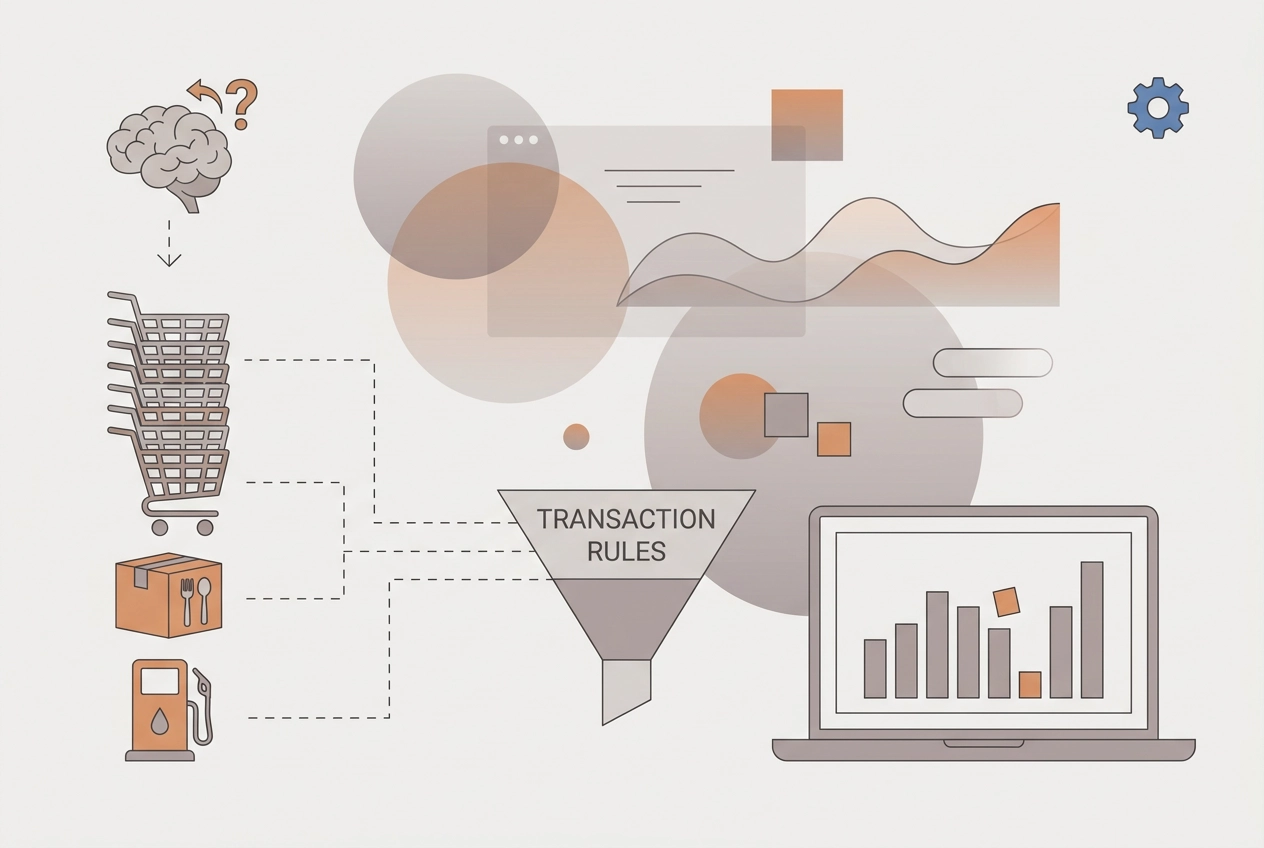
Why AI budgeting tools misread Tesco, Deliveroo and petrol station transactions, and how correcting one rule fixes every future month.
You open your budget and Tesco appears as groceries, petrol, and entertainment. Deliveroo lands under restaurants. A corner shop gets split between groceries and convenience. AI categorisation errors feel random, but they usually are not. In UK bank feeds, they cluster around merchant strings that could belong to more than one category. The fix is not editing that one transaction. It is fixing the rule so every future month comes out right.
We will unpack why a code, not your receipt, decides the category. We will see why errors cluster rather than spread. Then we will work through three clusters: fuel bought at a supermarket, convenience stores and the everything shop problem, and ride-hailing, delivery apps and restaurant names. You will learn why fixing a single transaction does not stick, how to fix the rule in a four-step walkthrough, how to check that your tool keeps the rule you wrote, what cannot be confirmed about category codes, and how a ten-minute monthly check can keep your budget clean. The goal: three transactions, one rule. StatementToBudget.com's product description says it accepts PDF, CSV, XLS, or OFX uploads and uses AI-driven spending analysis with OCR at no cost.
Why a Code, Not Your Receipt, Decides the Category
Card networks publish frameworks, such as Mastercard's Quick Reference Booklet, under which merchants and their acquirers assign a category code to each payment type. That code travels with the transaction before any budgeting tool processes it.
That classification is rules-based. The Mastercard Quick Reference Booklet includes sections on acceptor business codes, MCC criteria, and required use of MCCs: a reference framework, not a guess made at the till. An international standard (ISO 18245) addresses the same domain, though its current status has not been confirmed for this article.
Your statement then shows only a short descriptor string, which is why reading it analytically reveals the pattern. A tool has to match that string to a category, and two purchases that feel utterly different to you can produce near-identical strings.
One caveat: the booklet is written for merchants and acquirers, not budgeting apps. Treat it as evidence that a category framework exists, not as documentation of how a budgeting tool labels your spend. No specific code numbers appear here, because only section headings were available.
Why Categorisation Errors Cluster Rather Than Spread
When descriptor matching drives categorisation, failures pool rather than scatter. What reads as hundreds of mistakes is usually a handful of repeated matches on the same descriptor, month after month. In practice, the same merchant can produce slightly different descriptor strings across accounts, a known challenge in matching, though documented variation by bank is beyond what this article can verify. Treat any named merchant here as a category illustration, not verified statement text. If you want to see where matching happens before it reaches your categories, this walkthrough of what an AI budget planner actually does with your statement data is worth ten minutes.
That is why you hunt clusters first: a pattern is fixable, while a pile of unrelated errors just looks like a tool you cannot trust.
Cluster 1: Fuel Bought at a Supermarket
The clearest example of that clustering is fuel bought at a supermarket forecourt. Supermarket groups run those sites under the same brand as their stores, so the descriptor a tool sees is dominated by the supermarket name even though the purchase was fuel.
If your budget splits groceries from transport or fuel, each fill-up lands on the wrong line, usually once or twice a month. No single one looks serious, but the distortion compounds across a year.
The durable fix is a rule keyed to the forecourt descriptor, not an edit on every fill-up. One change keeps groceries honest and moves fuel into a category you can actually see, the same principle behind tracking the budget categories you genuinely spend in rather than the ones a template assumes.
Check your own statements before assuming a fixed string: read three months of supermarket-branded transactions side by side and note which are clearly forecourt payments.
Cluster 2: Convenience Stores and the Everything Shop Problem
Supermarket forecourts are one cluster. Convenience stores are the harder case, because these formats sell food, household goods, alcohol, lottery tickets and sometimes fuel. There is no single objectively correct category for a purchase there, which is exactly why an automated rule struggles.
These are small, high-frequency purchases too. One misread is trivial, but twenty in a month inflate your groceries total and quietly understate whatever category the money really belonged to.
So decide your own convention and write it down. For example: all convenience store spend counts as groceries, with fuel bought at the same site logged separately by descriptor. Asking whether you were buying food for home, a drink on the go or fuel is the useful test. If you cannot answer consistently, no categorisation tool can either, so your convention has to come first.
Once it is set, encode it as one rule. The same decision then applies automatically instead of being re-litigated at every statement. Your own statement patterns are the best starting point, which is the thinking behind these budgeting tips that actually work for beginners.
Cluster 3: Ride-Hailing, Delivery Apps and Restaurant Names
The merchant string alone cannot tell your tool what you bought, and for a strict budget that is a genuine fork: eating out, groceries, or transport? Your choice shifts your monthly totals, and the tool cannot ask you.
Pick one category for most of your usage, then catch exceptions with a second rule or a tag. Editing each order by hand never holds.
Platform descriptors may carry variable suffixes, location, order ID, or similar, though documented evidence of how these change is not available here. Build your rule around the stable stem of the merchant name to reduce the risk of it silently failing. That same logic applies to the spending categories your bank statement reveals, where ambiguous merchants hide real patterns.
Why Fixing a Single Transaction Does Not Stick
You have just applied rules to your delivery and ride-hailing cluster. The temptation now is to keep tidying individual rows whenever something looks off. Resist it.
Editing one transaction changes that row and nothing else. The matching logic that produced the wrong label is untouched, so the next statement import reproduces the same mistake all over again. If you upload statements monthly, the tool re-applies that logic to fresh data every time. A correction only persists when it changes the logic itself.
Row-level edits also cost you visibility. After a few months, you cannot tell whether a mismatch is a new problem or the same recurring one you thought you had already solved. That ambiguity is precisely what bank reconciliation is meant to prevent.
Rule-level corrections fix an entire class at once, so the improvement lands in every future month rather than only the one you happened to notice.
Human review still has a role. Check the first full month after a rule change before trusting it, because an overly broad rule will pull unrelated transactions into the same category.
How to Fix the Rule Instead: A Four-Step Walkthrough
Here is the sequence that does stick.
Step 1: Isolate the pattern. Filter your last two or three statements by merchant keyword, such as a supermarket name or a delivery brand. List every match with its date, amount and assigned category.

Step 2: Name the split. Decide which descriptor variants belong where. Forecourt purchases to transport, in-store purchases to groceries. Write that decision down in plain language.
Step 3: Write the rule once. Replace the individual edit with a saved rule or reclassification covering every matching transaction, past and future, so the correction handles the whole cluster.
Step 4: Re-import and verify. Upload the next statement, or re-run the analysis on an existing one, and confirm the cluster lands correctly without touching a single row. Pair it with a budget-first workflow so each import feeds your limits.
Set a review trigger too. Note new descriptor variants, such as a rebranded forecourt or a new location suffix, so the rule gets updated rather than silently failing for months.
Checking That Your Tool Actually Keeps the Rule You Wrote
Once your rule is written, the question is whether your tool remembers it. Ask any AI categorisation tool one direct question: does a correction change how future imports are categorised, or only the row on screen? That answer decides whether your work compounds or evaporates each month.
StatementToBudget.com turns uploaded statements in PDF, CSV, XLS or OFX format into categorised spending insights using OCR and AI-driven analysis, at no cost. Test that behaviour yourself rather than assuming it, by running the controlled test described in Step 4 of the walkthrough. Keep your own plain list of standing conventions for groceries, fuel, takeaways and transport. If you switch tools, that list protects months of tuning.
What Cannot Be Confirmed About Category Codes
Before you trust any number you read about category codes, here is what the evidence can and cannot settle.
The strongest source available is a table of contents. It confirms sections on acceptor business codes exist, but lists no code numbers for fuel, grocery or ride-hailing, so quote none. That document is written for merchants and acquirers, not consumer budgeting apps. It therefore cannot show how an app maps codes onto your categories, or whether it uses them at all.
There are also no usable statistics here on how often AI categorisation fails. Treat a precise accuracy percentage with suspicion until a named source backs it.
Descriptor strings vary by bank. Tesco, Deliveroo and forecourt names illustrate a category pattern, not verified wording on your statement.
What the evidence does support is narrower: a classification framework exists, mistakes repeat in patterns, and rule-level corrections are the durable fix.
With those limits clear, the practical habit is a short monthly review.
Your Ten-Minute Monthly Check
Given those limits, the practical move is a short monthly ritual rather than a full audit. On statement day, scan only the categories that naturally mix: groceries, fuel and transport, eating out, and household spending. Ignore everything else unless a figure looks obviously wrong.
For each mismatch, ask one question: is this a new pattern or the same old one? Same pattern means update the existing rule. New pattern means add a rule.
Keep a running note of descriptor variants you have seen for the same merchant. Descriptor variants do appear over time, a rebranded forecourt, a new payment processor, so keeping a running note of what you have seen is more reliable than assuming strings stay fixed.
As noted in the checking section, log the date of each rule change and verify totals the following month.
Conclusion: Three Transactions, One Rule
If the same three or four transactions keep turning up in the scan, the pattern is talking. Categorisation errors are not random. They pool around merchant strings that could sit in two categories, which is why supermarket fuel, convenience stores and delivery apps keep reappearing as problem areas.
A single rule change covers every matching transaction, past and future, making it the durable fix rather than a row-level edit that disappears on the next import.
So run that scan, keep your list of conventions, and test whether your tool persists corrections by re-uploading a statement and comparing category totals. Do it once per cluster and your budget improves over time instead of needing a repair job every year.